How to document an insurance claims processing workflow
By Phil KlingUpdated July 2026How we research this
To document an insurance claims processing workflow, record a real claim from the first notice of loss through coverage verification, document collection, adjudication, and settlement, then generate a step-by-step SOP and a process map from the recording. Claims cross the policy system, the claims system, and a stack of supporting documents, so a guide written from memory usually misses a coverage check. Ledgerium records the real claim in the browser, captures the verification and adjudication steps, and generates the SOP, the process map, and a report that shows where claims wait for documents or a decision.
Key takeaways
- Insurance claims processing runs from the first notice of loss through coverage verification, document collection, adjudication, and settlement across the policy and claims systems.
- As of 2026, chasing missing supporting documents remains the single biggest source of claims cycle-time delay, ahead of the adjudication decision itself.
- Most claims delay is waiting on documents and coverage checks, not the settlement payment, which a happy-path guide never reveals.
- Ledgerium measures claims cycle time by stage and flags claims stalled waiting on a document or a coverage decision.
Who uses this workflow
Claims handlers and adjusters, the coverage and fraud reviewers, and the claims manager who owns cycle time and leakage. Compliance and auditors review it when testing claims-handling controls.
Systems involved: Claims management system, Policy administration system, Document repository, Payment system.
The old way
The claims steps and the coverage rules live in adjuster experience, so each handler works a claim a little differently. Required documents get requested late, coverage checks vary, and the claim sits while the file is chased across email and the document store.
With Ledgerium
Record one real claim. Ledgerium captures the first notice of loss, the coverage verification, the document collection, the adjudication, and the settlement, and generates the SOP, the process map, and a report that highlights where claims wait for documents or a decision.
Sample workflow steps
- 1
Log the first notice of loss
Capture the claim details, policy number, and loss description when the claim is reported.
- 2
Verify coverage
Confirm the policy is active and the loss is covered under its terms and limits.
- 3
Collect supporting documents
Request and gather the evidence the claim requires, such as photos, reports, and receipts.
- 4
Adjudicate the claim
Review the evidence against the policy and decide the claim and the payable amount.
- 5
Settle the claim
Issue the settlement or denial and close the claim with the outcome recorded.
What Ledgerium generates from this
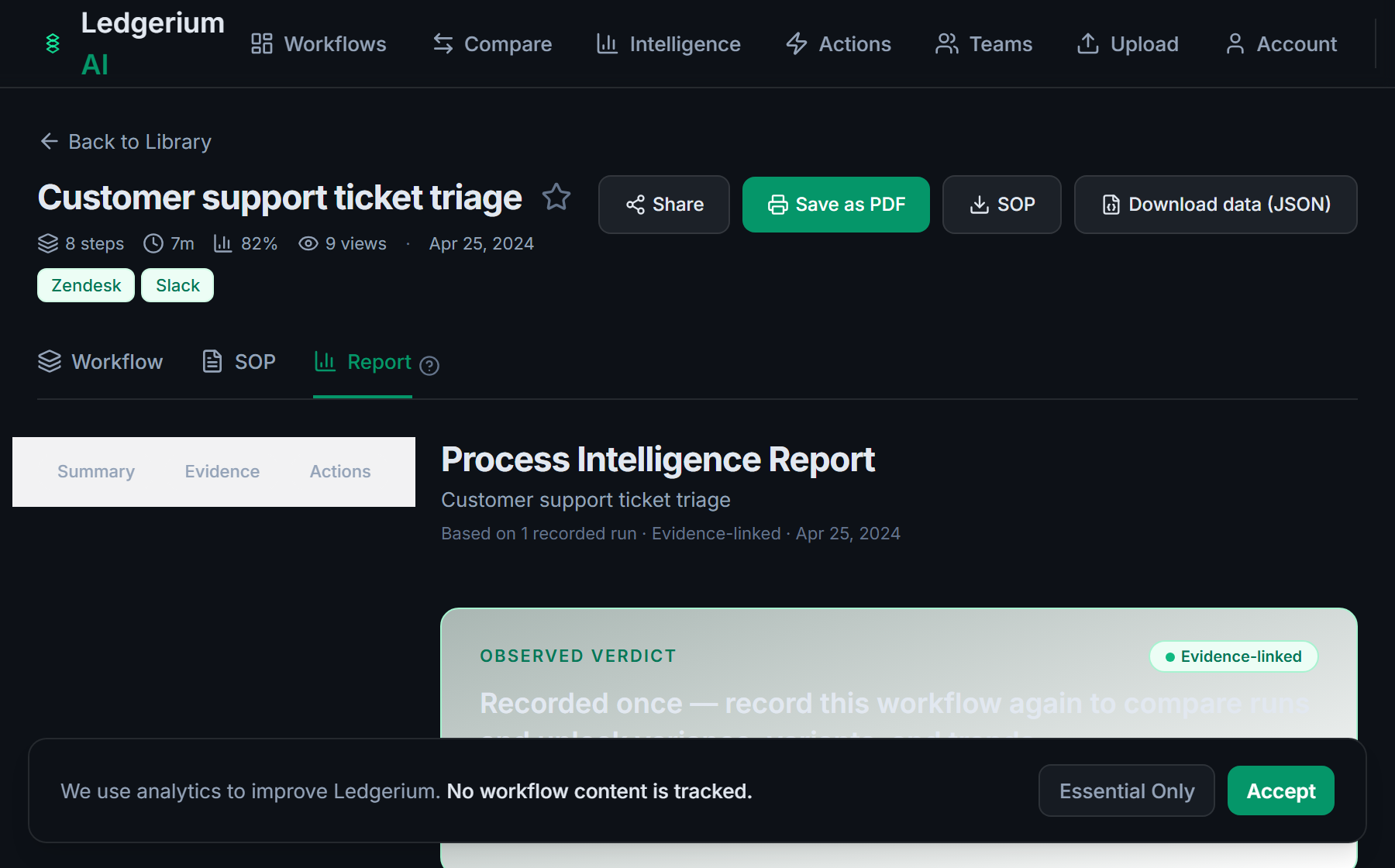
Metrics Ledgerium can reveal
- Claims cycle time: First notice of loss to settlement, split into work time and wait time.
- Document wait time: How long a claim waits for the supporting documents it needs.
- Reopen rate: Share of claims reopened after settlement for a missed detail.
Common mistakes
- Leaving the coverage rules and required-document list to adjuster memory, so checks vary by handler
- Documenting the settlement but skipping the coverage verification and document-collection steps
- Not capturing how long claims wait for missing documents or a coverage decision
AI and automation opportunities
- Pre-check coverage against the policy terms before a handler opens the claim
- Extract the required fields from submitted documents for handler review
- Detect claims stalled waiting on a document beyond the target and escalate them
How Ledgerium captures this
Ledgerium captures an insurance claims processing workflow by recording a claim from first notice of loss through coverage verification, document collection, and adjudication to settlement, so the report shows where a claim waits for a missing document or an adjudication decision.
1. Install the extension
Add the Ledgerium recorder to Chrome. No screenshots and no keystrokes are ever captured.
2. Record the real workflow
Perform the process once. Ledgerium captures the structured steps, timing, and system context.
3. Get the output
Receive an SOP, a process map, and a workflow intelligence report generated from the real work.
Worth knowing
Loss inspections, medical exams, and adjuster field visits happen off-screen and are not captured. Ledgerium records the browser-based verification, adjudication, and settlement steps; offline assessments need a linked note.
Frequently asked questions
- Typically: log the first notice of loss, verify coverage, collect supporting documents, adjudicate the claim, then settle it. Verifying coverage and collecting documents are the steps where most of the cycle time is spent.
- Because adjudication depends on evidence: coverage proof, loss documentation, and third-party reports. Missing documents are the most common reason a claim sits, which is why recording the collection step makes the delay visible.
- Record one real claim from first notice of loss to settlement, then generate the SOP and process map from it. This captures the coverage rules and document requirements that usually live in adjuster experience.
- Yes. A single recording captures the browser-based steps across the claims system, the policy system, and the document repository, so the SOP reflects the full cross-system claim, not one tool.
- Common candidates are pre-checking coverage, extracting fields from submitted documents, and escalating claims stalled on a missing document. Ledgerium scores these from the recorded process.
Related to this
Not ready to sign up? Try the live demo — no login required.
Capture this workflow once
Record the real process and turn it into an SOP, a process map, and an AI-readiness report, generated from how the work actually happens.
Free plan includes 5 documented workflows per month. No screenshots ever captured.
Or Install the extension first.