How to document a workflow in SAP
By Phil KlingUpdated June 2026How we research this
To document a workflow in SAP, record someone performing the real process, a purchase requisition, a goods receipt, or an invoice verification, then generate a step-by-step SOP and a process map from it. SAP screens depend on role, transaction code, and configuration, so a written-from-memory guide rarely matches what the user actually runs. Ledgerium records the real interaction in the browser and produces the SOP, process map, and a workflow intelligence report, so the documentation reflects the transactions and fields that role actually touches.
Key takeaways
- SAP screens depend on role, transaction code, and configuration, so a from-memory guide references transactions a given role may not run.
- SAP entry screens carry many fields, and a guide listing transaction codes without the field entries leaves users stuck.
- Release strategies and posting rules in SAP depend on conditions that are easy to omit from a written procedure.
- Recording a purchase requisition, goods receipt, or invoice verification as the role works captures the real field entries and release steps.
- Ledgerium produces the SOP, process map, and a report showing where the SAP process waits or reworks from one recording.
Common workflows in SAP
- Purchase requisition entry and release
- Goods receipt posting
- Invoice verification and matching
- Financial postings and journal entries
Why documenting them is hard
- Role and transaction-code differences mean users see different screens
- Field-heavy entry screens hide which fields actually matter for the step
- Release strategies and postings depend on rules that are easy to leave out
The old way
A key user writes the steps from memory, often listing transaction codes without the field entries that make each screen work. New users hit fields the guide never mentions, so they ask the person next to them instead.
With Ledgerium
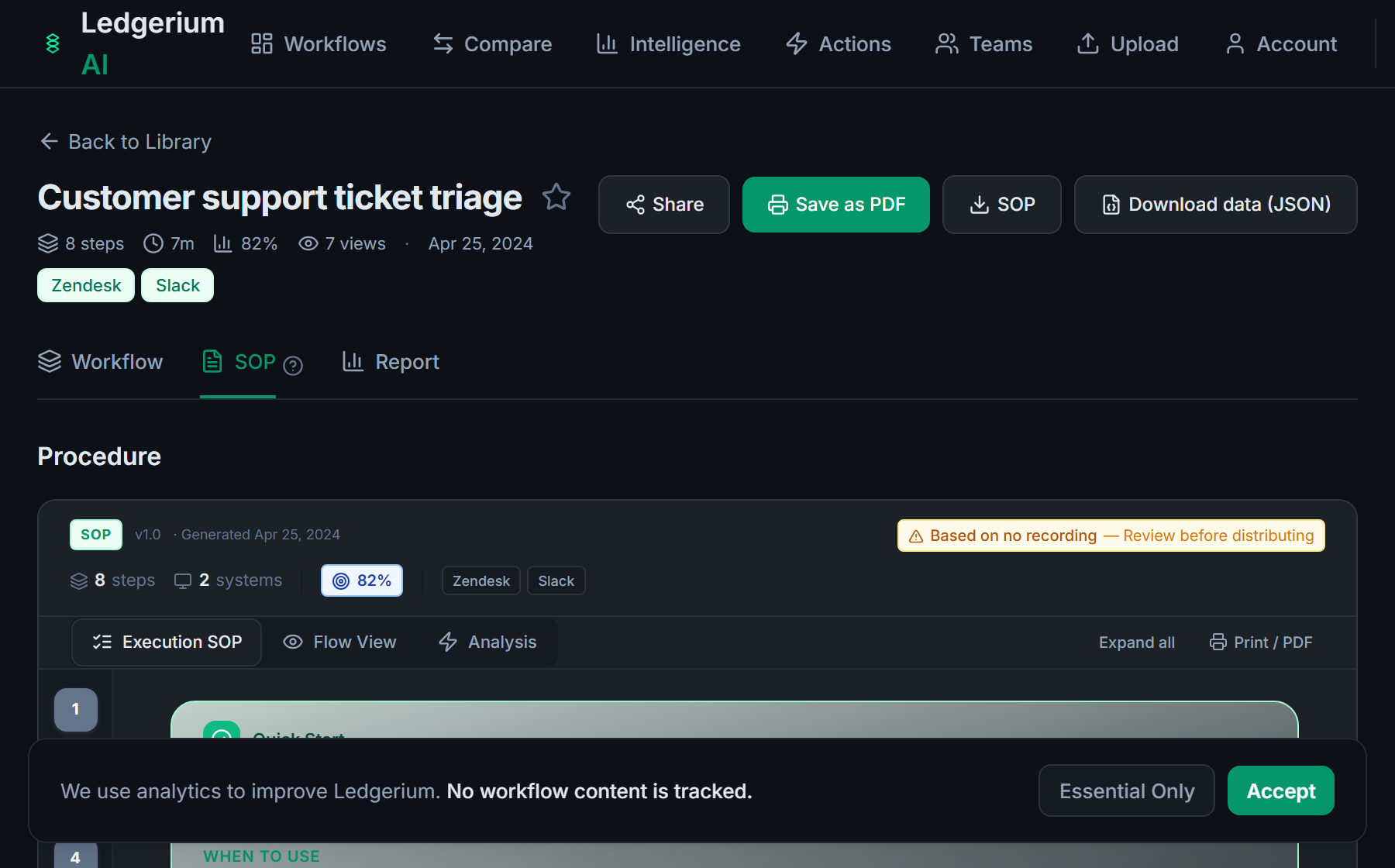
Record the real process as the role that performs it. Ledgerium captures the actual transaction screens, field entries, and release steps and generates the SOP, the process map, and a report that highlights where the process waits or reworks.
The SOP Ledgerium generates
Common mistakes
- Listing transaction codes without the field entries the step depends on
- Documenting from a configuration view instead of the role that runs the work
- Leaving release strategy and posting rules out of the routing steps
How Ledgerium captures this
SAP shows different transactions and fields by role, transaction code, and configuration, so Ledgerium records the run as the actual role performs it and produces an SOP covering the screens and entries that user works through.
1. Install the extension
Add the Ledgerium recorder to Chrome. No screenshots and no keystrokes are ever captured.
2. Record the real workflow
Perform the process once. Ledgerium captures the structured steps, timing, and system context.
3. Get the output
Receive an SOP, a process map, and a workflow intelligence report generated from the real work.
Worth knowing
Ledgerium captures the browser-based steps in SAP, including Fiori and web GUI sessions. Background jobs, workflow steps, and ABAP routines that run server-side are not observed directly; document their effect from the user-visible result.
Frequently asked questions
- Record a real run of the process as the role that performs it, then generate the SOP and process map from the recording. The result reflects the transactions, fields, and entries that role actually works through.
- SAP screens depend on role, transaction code, and configuration, and entry screens carry many fields. A guide written from memory or a config view references things the role may not have. Recording the real process avoids that gap.
- Yes. A single recording captures the steps across SAP and the other browser-based systems in the process, such as email and a vendor portal, so the SOP reflects the full flow.
- It captures what the user does and sees in the browser. Background jobs and server-side workflow steps are not observed directly, so document their effect from the user-visible result.
- No. This is an independent guide. SAP is a trademark of its owner, and Ledgerium is not affiliated with or endorsed by SAP.
Related to this
Free includes SOPs and process maps for 5 workflows a month. The intelligence layer — bottleneck detection, automation scoring, variation analysis — is on paid plans. See what's included on each plan.
Not ready to sign up? Try the live demo — no login required.
Document a SAP workflow from real work
Record the real process in your own account and generate an SOP, a process map, and an intelligence report that matches what your team actually sees.
Free plan includes 5 documented workflows per month. No screenshots ever captured.
Or Install the extension first.
SAP is a trademark of its respective owner. Ledgerium AI is not affiliated with or endorsed by SAP.