How to document a Concur expense approval workflow
By Phil KlingUpdated July 2026How we research this
To document an expense approval workflow in SAP Concur, record someone performing the real process — matching a receipt to a corporate-card charge, itemizing it, checking it against policy, and routing the report for approval — then generate a step-by-step SOP and a process map. Concur enforces policy and routes the report, but the judgment behind a flag and the approver back-and-forth live in email and the submitter’s experience. Ledgerium records that real path in the browser and produces the SOP, process map, and a workflow intelligence report tied to how your team handles expenses.
Key takeaways
- Concur matches receipts, applies policy rules, and routes the report, but it does not record how a submitter resolves a flagged or out-of-policy expense.
- Itemizing a hotel folio or splitting a charge across cost centers is judgment work that a policy engine enforces but never explains.
- The back-and-forth when an approver sends a report back happens in email and comments, outside the structured Concur flow.
- Recording a real expense report as the submitter works captures the receipt matching, the itemization, the policy resolution, and the approval routing together.
- Ledgerium generates the SOP, process map, and a report showing where an expense report waits — often on a sent-back item, not on the first submit — from one recording.
Common workflows in SAP Concur
- Receipt capture and corporate-card matching
- Expense itemization and cost-center coding
- Policy check and flagged-item resolution
- Report submission and approval routing
Why documenting them is hard
- Resolving a flagged or out-of-policy expense is judgment the policy engine does not explain
- The approver back-and-forth happens in email and comments, outside the structured flow
- Itemization and cost-center splits are learned by experience, not written down
The old way
New submitters learn Concur by trial and error — a report gets sent back for a missing itemization or a policy flag, and they fix it by asking a colleague what the reviewer wanted. The real rules for resolving a flag stay as experience nobody has written down.
With Ledgerium
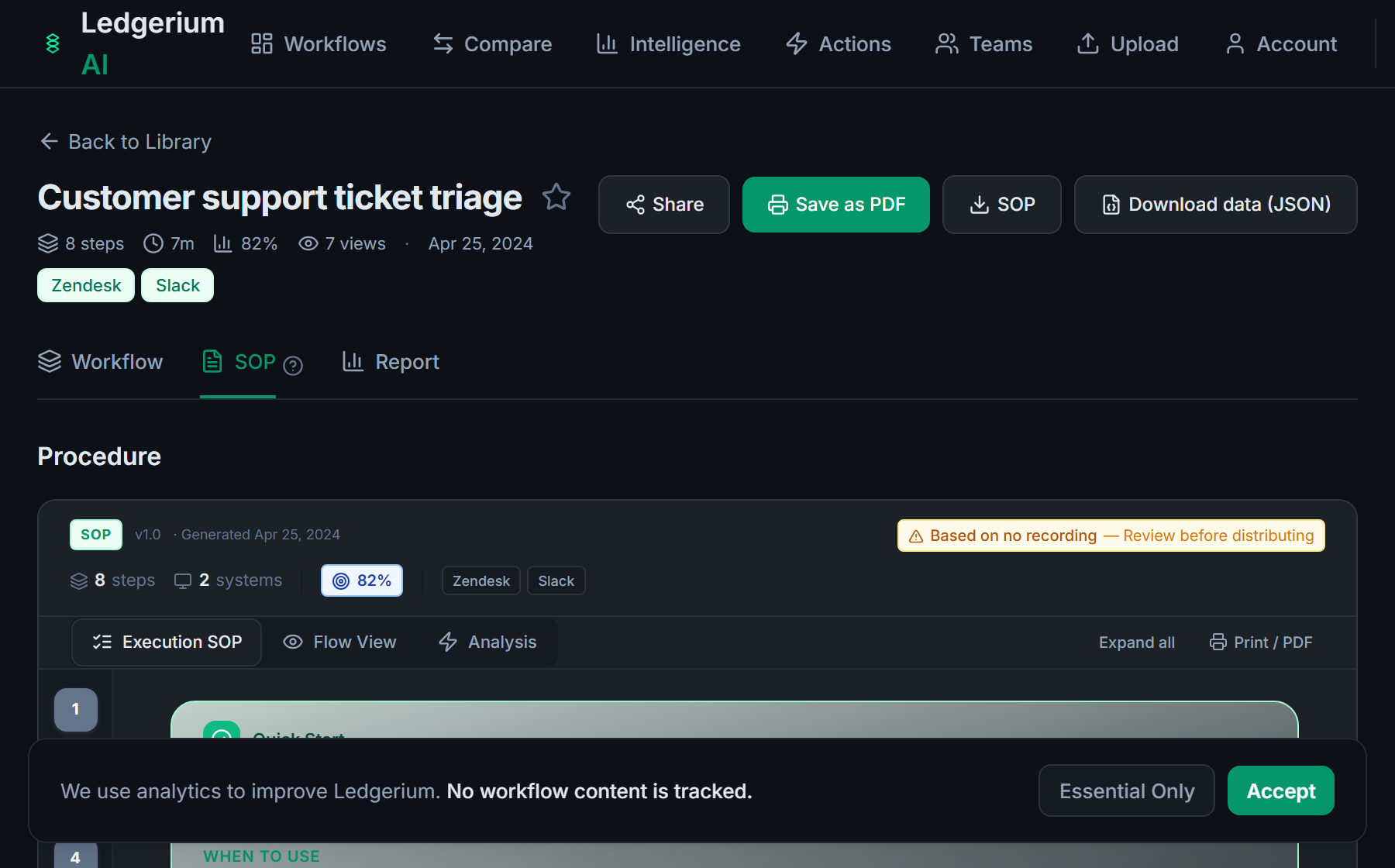
Record the real process as the submitter works an expense report. Ledgerium captures the receipt matching, the itemization, the policy resolution, and the approval routing across Concur and email, then generates the SOP, the process map, and a report that highlights where reports wait.
The SOP Ledgerium generates
Common mistakes
- Documenting a clean submission but not how a flagged item gets resolved
- Leaving the approver back-and-forth out because it happens in email
- Skipping the itemization and cost-center splits that a policy engine enforces silently
How Ledgerium captures this
Concur enforces expense policy and routes the report while the judgment around a flagged charge and the approver back-and-forth happen in email, so Ledgerium records the full path to produce an SOP covering the receipt, itemization, and resolution steps Concur’s policy engine never documents.
1. Install the extension
Add the Ledgerium recorder to Chrome. No screenshots and no keystrokes are ever captured.
2. Record the real workflow
Perform the process once. Ledgerium captures the structured steps, timing, and system context.
3. Get the output
Receive an SOP, a process map, and a workflow intelligence report generated from the real work.
Worth knowing
Ledgerium captures the browser-based steps a person takes in and around SAP Concur. The policy-audit rules and the corporate-card feed that run inside Concur are handled by Concur; document their effect from the user-visible result.
Frequently asked questions
- Record a real run as the submitter works an expense report — matching receipts, itemizing, resolving policy flags, and routing for approval — then generate the SOP and process map from the recording. The result covers the judgment steps around Concur, not just that a report was submitted.
- Concur applies policy rules and routes the report, which keeps submissions compliant. It does not record how a submitter resolves a flagged expense or the back-and-forth with an approver. Recording those steps measures the full expense workflow.
- Yes. A single recording follows the submitter across Concur and the other browser-based tools in the process, such as email and comments, so the SOP reflects the full expense approval flow rather than only the structured form.
- It captures what the user does and sees in the browser, including how they respond to a policy flag. The audit rules and corporate-card feed that run inside Concur are not observed directly, so document their effect from the user-visible result.
- No. This is an independent guide. SAP Concur is a trademark of its owner, and Ledgerium is not affiliated with or endorsed by SAP Concur. Ledgerium complements Concur by documenting the workflow around the approval.
Free includes SOPs and process maps for 5 workflows a month. The intelligence layer — bottleneck detection, automation scoring, variation analysis — is on paid plans. See what's included on each plan.
Not ready to sign up? Try the live demo — no login required.
Document a SAP Concur workflow from real work
Record the real process in your own account and generate an SOP, a process map, and an intelligence report that matches what your team actually sees.
Free plan includes 5 documented workflows per month. No screenshots ever captured.
Or Install the extension first.
SAP Concur is a trademark of its respective owner. Ledgerium AI is not affiliated with or endorsed by SAP Concur.