How to document a contract review workflow
By Phil KlingUpdated June 2026How we research this
To document a contract review workflow, record the real review of a contract from intake to signature, then generate a step-by-step SOP and a process map from it. Contract review hides delay in legal queues and approval routing, and the rules for who reviews what are rarely clear. Ledgerium records the real review in the browser, captures the redline rounds and the approval routing, and generates the SOP, the process map, and a report that shows where contracts wait between review and approval.
Key takeaways
- Contract review hides delay in the legal queue and the redline rounds, while the rules for who reviews what stay unclear.
- Most contract delay is the wait in the legal queue and repeated redline rounds, not the reading itself.
- Emailing contracts to legal scatters the redline history across inboxes and makes turnaround unpredictable.
- Ledgerium measures turnaround time, redline rounds, and queue wait time and flags clauses that deviate from playbook positions.
Who uses this workflow
Contract requesters, legal reviewers, and the operations or deal-desk lead who owns turnaround time. Compliance reviews it when testing how contracts are approved and stored.
Systems involved: Contract or document repository, Document editor, E-signature tool, Email.
The old way
Requesters email contracts to legal and hope, with no clear rule for who reviews what or what gets escalated. Versions multiply, the redline history scatters across inboxes, and turnaround is unpredictable.
With Ledgerium
Record one real contract review. Ledgerium captures the intake, the legal review, the redline rounds, the approval routing, and signature, and generates the SOP, the process map, and a report that highlights where contracts wait.
Sample workflow steps
- 1
Intake the contract
The requester submits the contract with type, value, and counterparty details.
- 2
Run legal review
Legal reviews the terms against playbook positions and risk thresholds.
- 3
Exchange redlines
Mark up the contract and exchange revised versions until terms are agreed.
- 4
Route for approval
Send to the right approver based on contract type, value, and risk.
- 5
Sign and store
Collect signatures and file the executed contract in the repository.
What Ledgerium generates from this
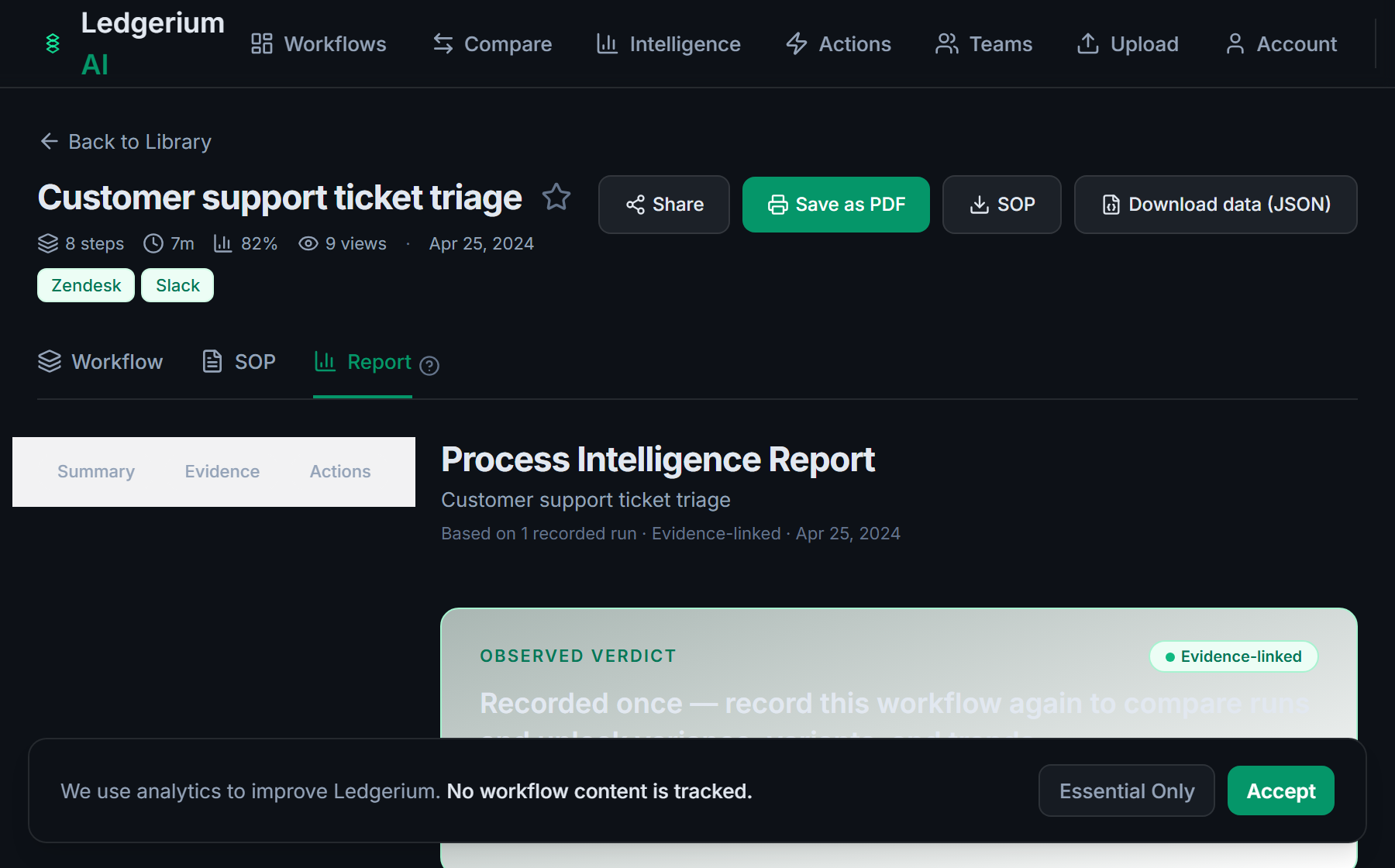
Metrics Ledgerium can reveal
- Turnaround time: Intake to signature, split into review, redline, and approval time.
- Redline rounds: How many revision rounds a typical contract takes before agreement.
- Queue wait time: How long a contract waits in the legal review queue.
Common mistakes
- Leaving the review thresholds undocumented, so it is unclear what legal must see
- Documenting the review but skipping the redline rounds where most time goes
- Not capturing where contracts wait between legal review and approval
AI and automation opportunities
- Pre-classify the contract by type and value to set the review path
- Flag clauses that deviate from playbook positions for legal review
- Detect contracts stalled beyond target turnaround and escalate them
How Ledgerium captures this
Ledgerium captures a contract review workflow by recording the real review from intake through legal review and the redline rounds to signature, so the report shows how many redline rounds a typical contract takes and how long it waits in the legal queue.
1. Install the extension
Add the Ledgerium recorder to Chrome. No screenshots and no keystrokes are ever captured.
2. Record the real workflow
Perform the process once. Ledgerium captures the structured steps, timing, and system context.
3. Get the output
Receive an SOP, a process map, and a workflow intelligence report generated from the real work.
Worth knowing
Negotiation done by phone or in a meeting outside the browser is not captured. Ledgerium records the browser-based review and approval steps; the negotiation rationale needs a note.
Frequently asked questions
- Typically: intake the contract, run legal review, exchange redlines, route for approval, then sign and store it. The review thresholds and redline rounds are where most guides lose accuracy.
- Record one real review from intake to signature, then generate the SOP and process map from it. This captures the review thresholds and the approval routing that emails and memory leave unclear.
- Mostly in the legal queue and in repeated redline rounds. Capturing per-step timing shows how long a contract waits and how many revision rounds it really takes.
- Yes. A single recording captures the steps across each browser-based system in the review, the repository, the editor, and the e-signature tool, so the SOP reflects the full flow.
- Common candidates are pre-classifying contracts to set the review path, flagging off-playbook clauses, and escalating stalled contracts. Ledgerium scores these from the recorded process.
Related to this
Not ready to sign up? Try the live demo — no login required.
Capture this workflow once
Record the real process and turn it into an SOP, a process map, and an AI opportunity report, generated from how the work actually happens.
Free plan includes 5 documented workflows per month. No screenshots ever captured.
Or Install the extension first.