How to document a document approval workflow
By Phil KlingUpdated July 2026How we research this
To document a document approval workflow, record a real document moving from draft through internal review, approval routing, e-signature, and filing, then generate a step-by-step SOP and a process map from the recording. A general approval flow touches several people and tools, so a policy written from memory rarely matches who actually signs and in what order. Ledgerium records the real approval in the browser, captures the review rounds and the routing rules, and generates the SOP, the process map, and a report that shows where documents wait between approvers.
Key takeaways
- A document approval workflow is the general path a document takes from draft through review, approval routing, e-signature, and filing, distinct from a finance-specific invoice approval.
- As of 2026, most document approvals still route by email attachment, which scatters the approval trail across inboxes and breaks version control.
- Most approval delay is the wait between approvers and the repeated review rounds, not the time spent reading the document.
- Ledgerium timestamps every step and scores AI candidates like routing a document to the right approver from its type and value.
Who uses this workflow
Document owners and authors, the reviewers and approvers who sign off, and the operations or legal-ops lead who owns the approval policy. Auditors review it when testing document controls.
Systems involved: Document management system, E-signature platform, Email, Shared drive or repository.
The old way
The approval policy lives in a document nobody opens, and in practice each document is routed by whoever remembers the last one. Reviewers are skipped, versions fork across inboxes, and the real signing order only becomes clear when something goes wrong.
With Ledgerium
Record one real document approval. Ledgerium captures the draft, the review rounds, the routing, the e-signature, and the filing, and generates the SOP, the process map, and a report that highlights where documents wait between approvers.
Sample workflow steps
- 1
Draft the document
The author prepares the document and the version that enters the approval flow.
- 2
Route for internal review
Send the draft to reviewers who mark up changes and request edits.
- 3
Route for approval
Send the reviewed document to the approvers whose sign-off the policy requires.
- 4
Capture e-signatures
Collect the required signatures on the approved version through the e-signature tool.
- 5
File the signed document
Store the fully executed document in the repository with the right metadata.
What Ledgerium generates from this
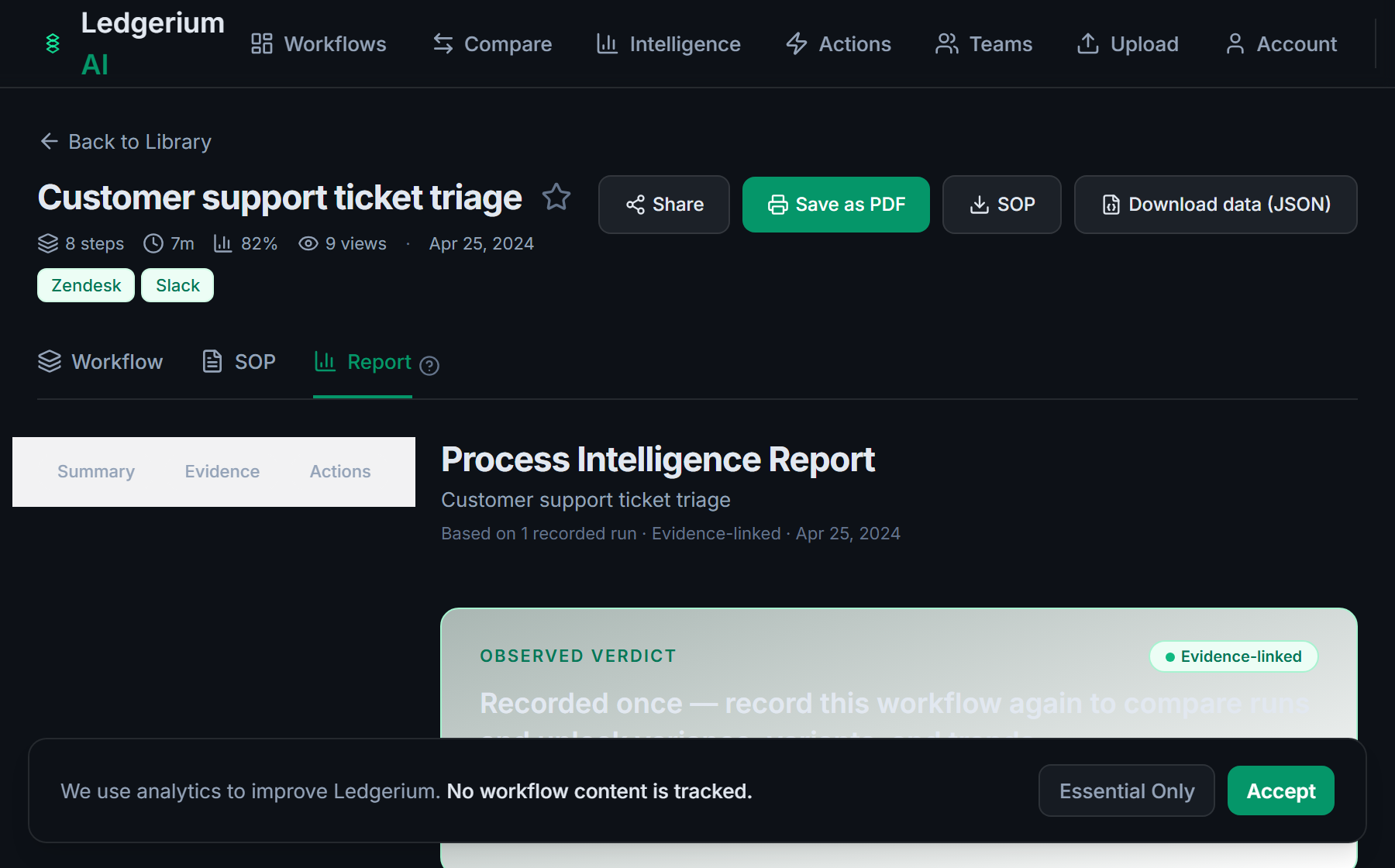
Metrics Ledgerium can reveal
- Approval cycle time: Draft ready to fully filed, split into work time and wait time.
- Review rounds: How many review-and-edit rounds a typical document takes before approval.
- Approver wait time: How long a document sits with an approver before sign-off.
Common mistakes
- Documenting the sign-off but leaving the routing rules that decide who approves what undocumented
- Skipping the review rounds and version control, so approvers sign different versions
- Not capturing the wait time between approvers, which is where the delay hides
AI and automation opportunities
- Route a document to the right approver from its type, value, and department
- Summarize the review changes between versions for the approver to check
- Detect documents stalled beyond target approval time and escalate them
How Ledgerium captures this
Ledgerium captures a document approval workflow by recording a document from draft through internal review, approval routing, and e-signature to final filing, so the report shows where a document waits between approvers and how many review rounds it takes.
1. Install the extension
Add the Ledgerium recorder to Chrome. No screenshots and no keystrokes are ever captured.
2. Record the real workflow
Perform the process once. Ledgerium captures the structured steps, timing, and system context.
3. Get the output
Receive an SOP, a process map, and a workflow intelligence report generated from the real work.
Worth knowing
Approvals given verbally or comments left in a desktop editor outside the browser are not captured. Ledgerium records the browser-based review, routing, and e-signature steps; offline sign-off needs a note.
Frequently asked questions
- Typically: draft the document, route it for internal review, route it for approval, capture the required e-signatures, then file the signed version. The routing rules that decide who approves what are the part most policies leave vague.
- An invoice approval workflow is finance-specific and ends in a payment. A document approval workflow is the general path any document takes through review, sign-off, e-signature, and filing, whatever its type.
- Record one real approval as the document moves through review and sign-off, then generate the SOP and process map from it. This captures the routing rules and review rounds a memory-based policy usually misses.
- In the wait between approvers and in repeated review rounds. Capturing per-step timing shows how long a document sits with each approver rather than only that it was eventually signed.
- Yes. A single recording captures the browser-based steps across the document system, the e-signature tool, and email, so the SOP reflects the full routing, not one tool.
Related to this
Not ready to sign up? Try the live demo — no login required.
Capture this workflow once
Record the real process and turn it into an SOP, a process map, and an AI-readiness report, generated from how the work actually happens.
Free plan includes 5 documented workflows per month. No screenshots ever captured.
Or Install the extension first.