How to document an expense approval workflow
By Phil KlingUpdated July 2026How we research this
To document an expense approval workflow, record a submitted expense moving through the policy check, manager approval, finance approval, and reimbursement, then generate a step-by-step SOP and a process map from the recording. The approval side is where spend control lives: who signs at each amount, which policy checks gate the sign-off, and what happens when an approver is out. Ledgerium records the real approval in the browser, captures the policy checks and the routing between approvers, and generates the SOP, the process map, and a report that shows where approvals wait and who holds them up.
Key takeaways
- An expense approval workflow is the approver side of employee spend: the policy check, the manager and finance sign-offs, and the reimbursement, distinct from vendor invoice approval and from the submission-focused expense report.
- As of 2026, dual approval, a manager tier then a finance tier, remains the standard control on employee expenses above a threshold, and it is where most approval time is spent.
- Most approval delay is an expense sitting with one approver, often because the approval limits and delegation rules are undocumented.
- Ledgerium measures approval time per tier and flags approvers and thresholds that consistently exceed the target sign-off time.
Who uses this workflow
Managers and finance approvers who sign off on spend, the AP or expenses team that runs reimbursement, and the finance lead who owns the approval policy and limits. Auditors review it when testing spend controls.
Systems involved: Expense management system, ERP or accounting system, Email, Payment or payroll system.
The old way
The approval limits and the delegation rules live in the finance lead’s head, so expenses route to whoever is guessed to be the right approver. Sign-offs stall when an approver is on leave with no delegate, and the real thresholds only surface when a large expense is questioned.
With Ledgerium
Record one real expense approval. Ledgerium captures the policy check, the manager sign-off, the finance sign-off, and the reimbursement, and generates the SOP, the process map, and a report that highlights which approver and which threshold hold expenses up.
Sample workflow steps
- 1
Receive the submitted expense
The submitted expense arrives for approval with its receipts and policy flags.
- 2
Run the policy check
Confirm the expense meets policy on amount, category, and required receipts before routing.
- 3
Route for manager approval
Send the expense to the employee’s manager for the first sign-off.
- 4
Route for finance approval
Send expenses above the threshold to finance for the second sign-off.
- 5
Reimburse
Post the approved expense to the reimbursement run and pay the employee.
What Ledgerium generates from this
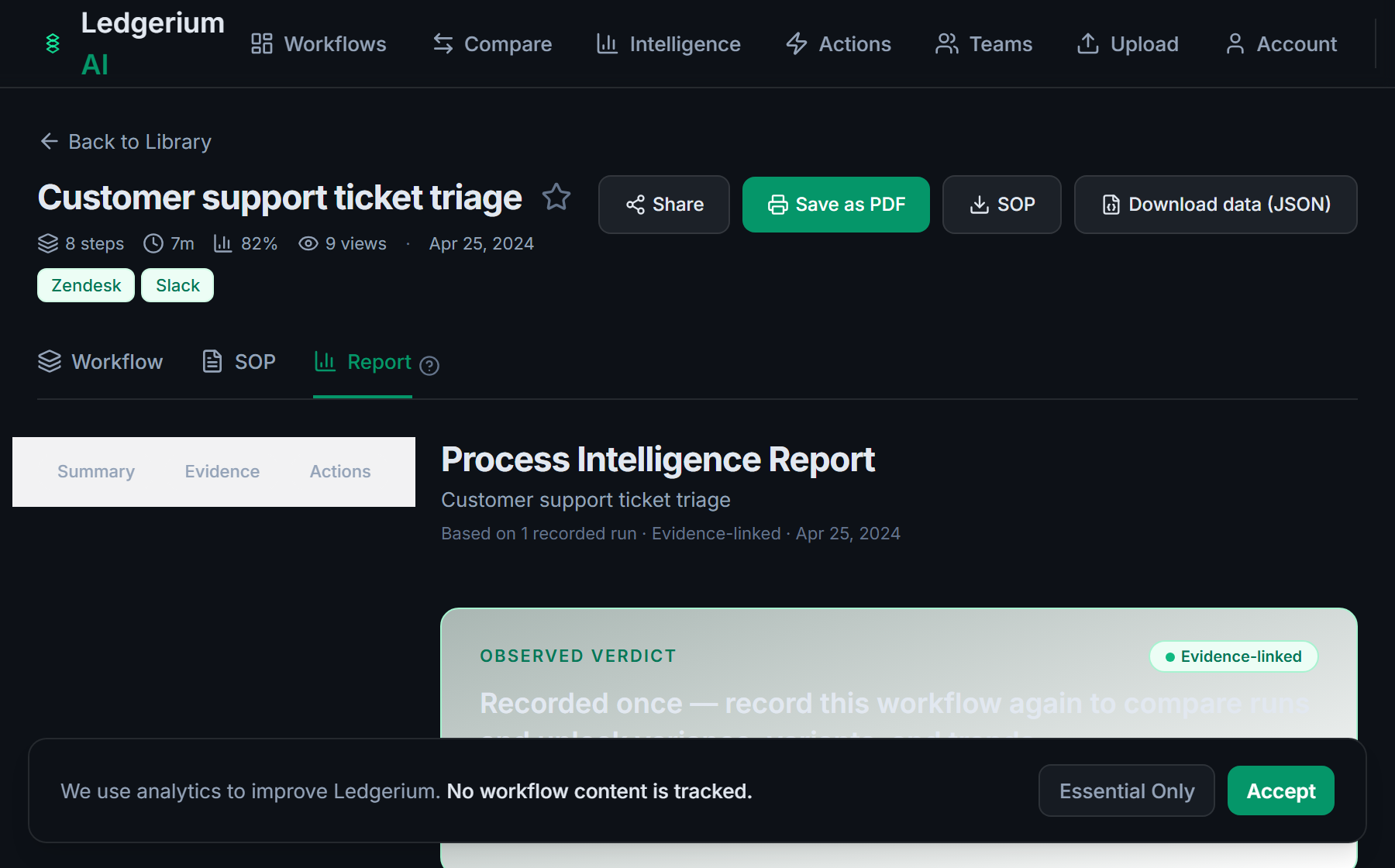
Metrics Ledgerium can reveal
- Approval time per tier: Submission to final sign-off, split across the manager and finance tiers.
- Approver wait time: How long an expense sits with an approver before sign-off.
- Escalation rate: Share of expenses that need a reminder or reassignment to get approved.
Common mistakes
- Leaving the approval limits and delegation rules undocumented, so expenses route to the wrong approver
- Documenting the manager sign-off but skipping the finance tier that governs larger amounts
- Not capturing which approver holds expenses the longest
AI and automation opportunities
- Route each expense to the correct approver from the amount and policy tier
- Reassign an expense automatically when its approver is out of office
- Detect approvers exceeding the target sign-off time and escalate their queue
How Ledgerium captures this
Ledgerium captures an expense approval workflow by recording a submitted expense through the policy check, manager sign-off, and finance sign-off to reimbursement, so the report shows which approver holds an expense longest and where the routing waits between tiers.
1. Install the extension
Add the Ledgerium recorder to Chrome. No screenshots and no keystrokes are ever captured.
2. Record the real workflow
Perform the process once. Ledgerium captures the structured steps, timing, and system context.
3. Get the output
Receive an SOP, a process map, and a workflow intelligence report generated from the real work.
Worth knowing
Approvals nudged in a chat tool or agreed verbally outside the browser are not captured. Ledgerium records the browser-based policy-check and sign-off steps; off-system approvals need a note.
Frequently asked questions
- Typically: receive the submitted expense, run the policy check, route it for manager approval, route larger amounts for finance approval, then reimburse. The approval limits and the finance tier are the parts most policies leave vague.
- Expense reporting is the employee side, capturing receipts and submitting the report. Expense approval is the approver side, running the policy check and the manager and finance sign-offs that release reimbursement.
- Usually because an expense sits with one approver, often when the approval limits or the delegation rules are undocumented and an approver is out. Per-step timing shows which approver holds expenses up.
- Yes. It records the routing as it happens in the browser across the expense system and email, so the SOP and process map show the real manager and finance sign-off path, not an idealized one.
- Common candidates are routing each expense to the right approver, reassigning when an approver is out, and escalating slow approvers. Ledgerium scores these from the recorded process.
Related to this
Not ready to sign up? Try the live demo — no login required.
Capture this workflow once
Record the real process and turn it into an SOP, a process map, and an AI-readiness report, generated from how the work actually happens.
Free plan includes 5 documented workflows per month. No screenshots ever captured.
Or Install the extension first.