How to document an invoice approval workflow
By Phil KlingUpdated June 2026How we research this
To document an invoice approval workflow, record someone actually approving an invoice from receipt to payment, then turn that recording into a step-by-step SOP and a process map, and review it with the approver. The steps usually are: receive the invoice, match it to a purchase order, check coding and approval limits, route for approval, and post for payment. Ledgerium records the real approval in the browser and generates the SOP, process map, and a workflow intelligence report that shows where approvals wait and stall.
Key takeaways
- Invoice approval cycle time is dominated by wait time, the hours an invoice sits after routing, not the approval action itself.
- Approval SOPs written from memory routinely omit the rejection loop and the approval-limit thresholds that decide who signs off.
- Recording one real approval captures the purchase order match, the threshold check, and the routing that walkthroughs skip.
- Ledgerium timestamps every step and scores AI candidates like auto-matching invoices to purchase orders from the recorded run.
Who uses this workflow
Accounts payable clerks, approvers, controllers, and the operations or finance lead who owns the close. Auditors review it when testing payment controls.
Systems involved: ERP or accounting system, Email, Document or PO repository.
The old way
Someone writes the approval steps from memory, usually missing the exception paths, the rejection loop, and the threshold checks that decide who approves what. The document describes the happy path and quietly diverges from how invoices are really approved.
With Ledgerium
Record one real approval. Ledgerium captures every step, including the match to the purchase order, the threshold check, and the routing, and generates the SOP, the process map, and a report that highlights where invoices wait.
Sample workflow steps
- 1
Receive and log the invoice
The invoice arrives and is entered or imported into the accounting system.
- 2
Match to purchase order
Confirm the invoice matches an approved PO and receipt before it can be approved.
- 3
Check coding and approval limit
Verify the cost coding and confirm the amount is within the approver’s limit.
- 4
Route for approval
Send to the correct approver based on amount, department, or vendor.
- 5
Approve and post for payment
The approver signs off and the invoice is posted into the payment run.
What Ledgerium generates from this
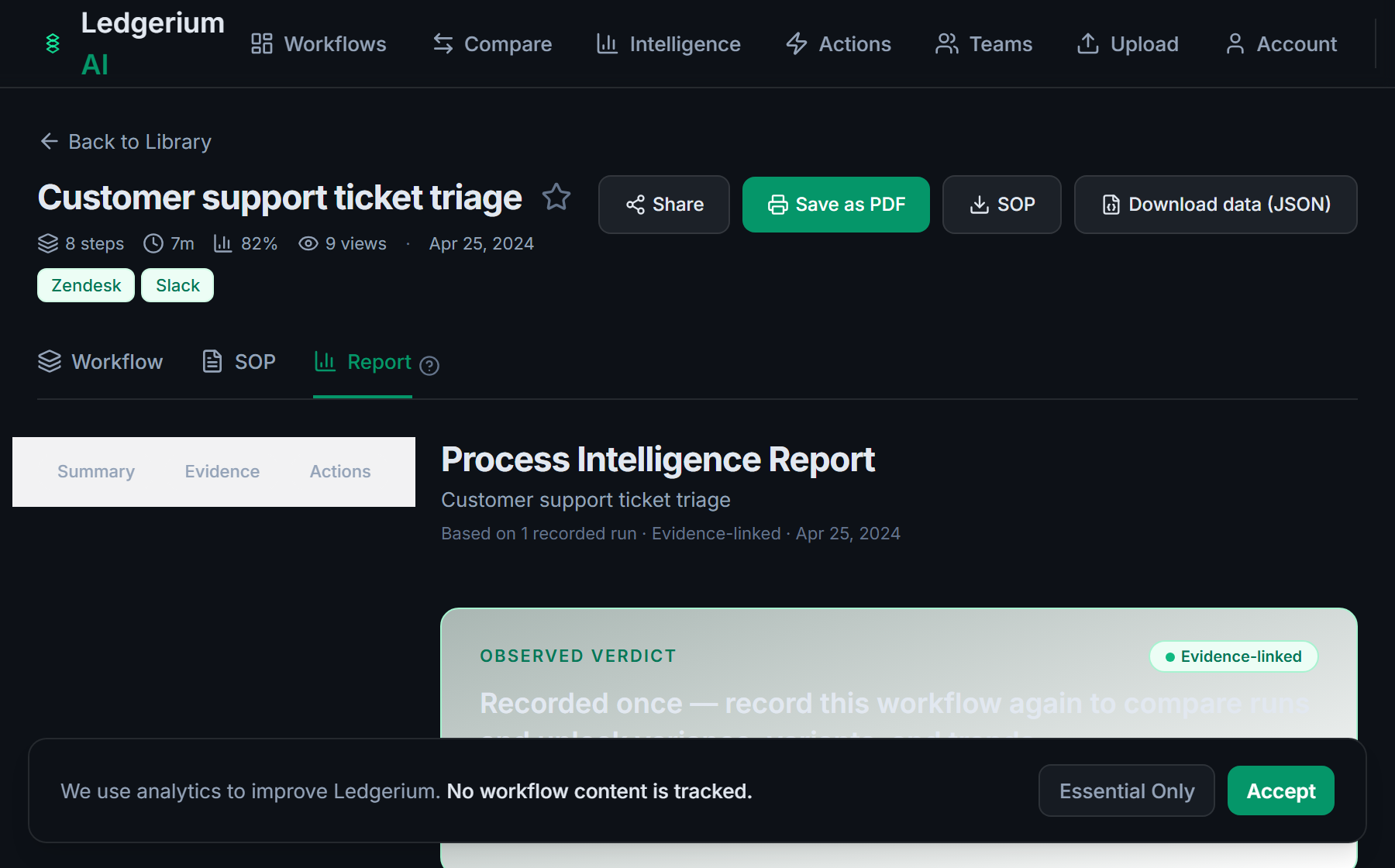
Metrics Ledgerium can reveal
- Cycle time per invoice: Receipt to posted-for-payment, split into work time and wait time.
- Approval wait time: How long an invoice sits between routing and approval.
- Rework rate: Share of invoices that loop back for correction before approval.
Common mistakes
- Documenting only the happy path and omitting the rejection and rework loop
- Leaving the approval-limit thresholds undocumented, so routing is unclear
- Not capturing the wait time between routing and approval, which is where delays hide
AI and automation opportunities
- Auto-match invoices to purchase orders and flag only the exceptions
- Pre-fill cost coding from vendor and historical patterns for human review
- Detect approvals that consistently exceed target wait time and escalate them
How Ledgerium captures this
Ledgerium captures an invoice approval workflow by recording each browser step from purchase order match through approval routing to payment posting with timestamps, so the report separates the hours an invoice waits between routing steps from the seconds the actual approval click takes.
1. Install the extension
Add the Ledgerium recorder to Chrome. No screenshots and no keystrokes are ever captured.
2. Record the real workflow
Perform the process once. Ledgerium captures the structured steps, timing, and system context.
3. Get the output
Receive an SOP, a process map, and a workflow intelligence report generated from the real work.
Worth knowing
Approval decisions made over email or in a hallway are not captured. Ledgerium records the steps performed in the browser; rationale added outside it needs a note.
Frequently asked questions
- Typically: receive and log the invoice, match it to a purchase order, check coding and approval limits, route to the right approver, then approve and post for payment. The exact routing depends on amount and department thresholds.
- Record one real approval from receipt to payment, then generate the SOP and process map from the recording. This captures the exception paths and threshold checks that written-from-memory SOPs usually miss.
- In wait time, not work time. Most delay is an invoice sitting after it has been routed, waiting for an approver. Capturing per-step timing makes that wait visible.
- Yes. It captures the steps across each browser-based system in the approval, the accounting system, email, and the document repository, in one recording.
- Common candidates are auto-matching invoices to purchase orders, pre-filling cost coding for review, and escalating approvals that exceed a target wait time. Ledgerium scores these from the recorded process.
Related to this
Not ready to sign up? Try the live demo — no login required.
Capture this workflow once
Record the real process and turn it into an SOP, a process map, and an AI opportunity report, generated from how the work actually happens.
Free plan includes 5 documented workflows per month. No screenshots ever captured.
Or Install the extension first.