How to document an incident management workflow
By Phil KlingUpdated June 2026How we research this
To document an incident management workflow, record an agent handling a real IT incident from first log to closed ticket, then generate a step-by-step SOP and a process map from it. Incident handling varies a lot between agents, especially the triage and investigation, which is why a written-from-memory runbook rarely matches the real response. Ledgerium records the real incident in the browser, captures the triage decisions and the lookups, and generates the SOP, the process map, and a report that shows where resolution time is spent.
Key takeaways
- Incident handling varies widely between agents, especially the triage judgment and the investigation path a runbook rarely documents.
- Most incident time is investigation and the wait for the right team, not applying the fix.
- Runbooks capture the known fix but not how agents diagnose, which is why incidents bounce between teams.
- Ledgerium measures resolution time and reassignment wait and surfaces similar past incidents during investigation.
Who uses this workflow
Service desk and operations agents, the major-incident or shift lead who owns resolution time, and the IT manager standardizing the response. Quality reviewers use it to coach consistency.
Systems involved: IT service management tool, Monitoring or alerting tools, Internal admin or infrastructure tools, Email or chat.
The old way
Each agent works incidents their own way and the runbook captures only the obvious steps, not the triage judgment or the investigation path. New agents copy whoever is nearby, so the response varies and incidents bounce between teams.
With Ledgerium
Record one real incident. Ledgerium captures the log, the triage, the investigation, the resolution, and the close in order, and generates the SOP, the process map, and a report that highlights where resolution time goes.
Sample workflow steps
- 1
Log the incident
The incident is recorded with the symptom, the affected service, and the reporter.
- 2
Triage and prioritize
Set severity, category, and the team to own it based on impact.
- 3
Investigate
Diagnose the cause using monitoring and the relevant admin tools.
- 4
Resolve
Apply the fix or workaround and confirm the service is restored.
- 5
Close
Record the cause and resolution, confirm with the reporter, and close the ticket.
What Ledgerium generates from this
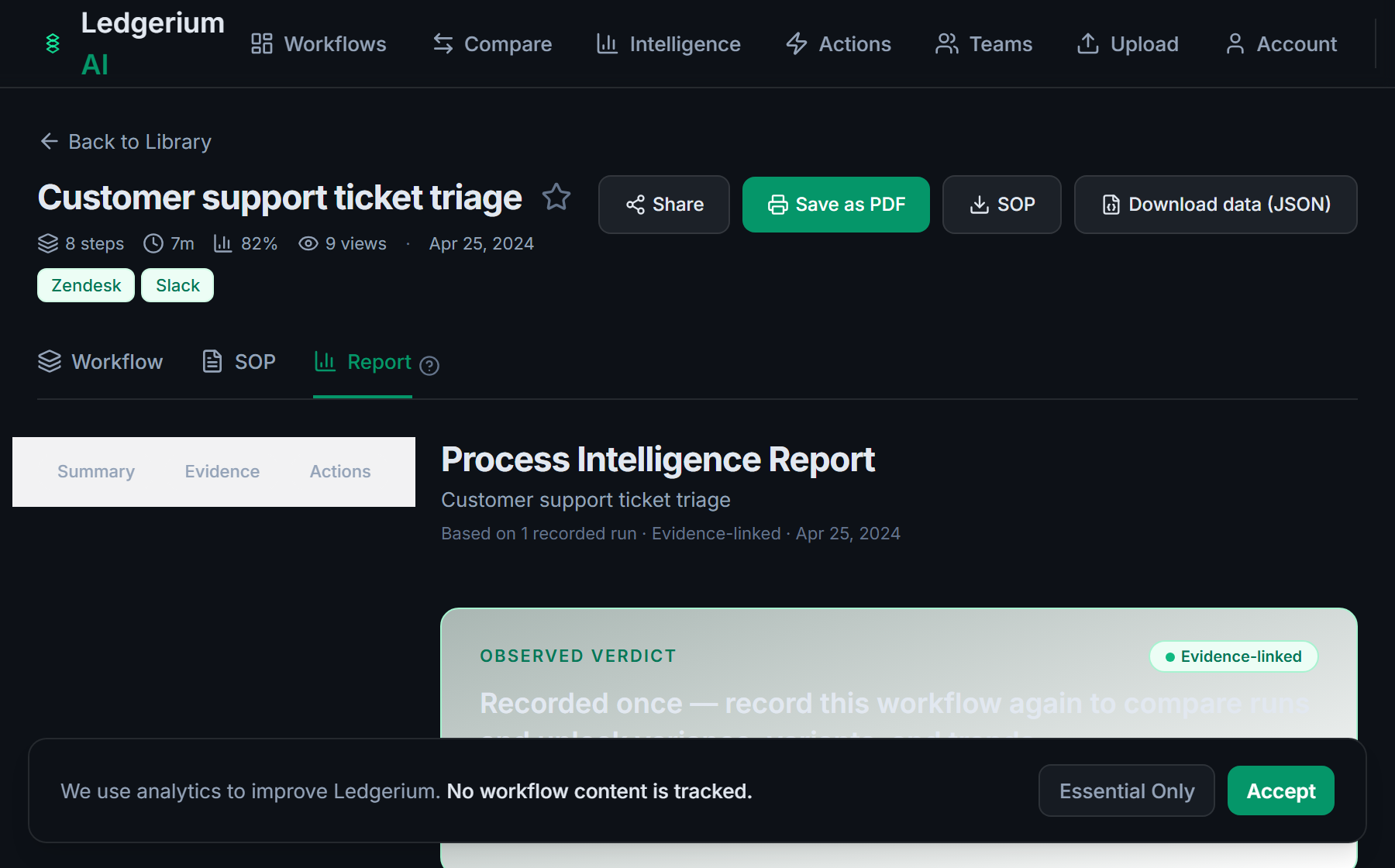
Metrics Ledgerium can reveal
- Resolution time: Incident logged to resolved, split into triage, investigation, and fix.
- Reassignment wait: How long an incident waits when it moves between teams.
- Agent variance: How much the response path varies between agents.
Common mistakes
- Documenting the fix but not the triage judgment and the investigation path
- Leaving the severity and routing rules undocumented, so incidents bounce between teams
- Not capturing where investigation and reassignment time is actually spent
AI and automation opportunities
- Suggest the severity and owning team from the incident content for review
- Surface similar past incidents and their resolutions during investigation
- Detect incidents stalled beyond target resolution time and escalate them
How Ledgerium captures this
Ledgerium captures an incident management workflow by recording an agent from the first incident log through triage and investigation lookups to the closed ticket, so the report separates investigation and reassignment wait from the actual fix.
1. Install the extension
Add the Ledgerium recorder to Chrome. No screenshots and no keystrokes are ever captured.
2. Record the real workflow
Perform the process once. Ledgerium captures the structured steps, timing, and system context.
3. Get the output
Receive an SOP, a process map, and a workflow intelligence report generated from the real work.
Worth knowing
Coordination done on a call or in a war room outside the browser is not captured. Ledgerium records the browser-based triage, investigation, and resolution steps; offline coordination needs a note.
Frequently asked questions
- Typically: log the incident, triage and prioritize it, investigate, resolve, then close it. The triage judgment and the investigation path are where most of the time and variation live.
- Record one real incident while an agent works normally, then generate the SOP and process map from it. There is no separate writing step, so it does not add to the agent’s workload.
- Because triage and investigation are usually undocumented. Runbooks capture the known fix, not how agents diagnose. Recording a real incident makes the diagnosis steps visible and repeatable.
- Yes. A single recording captures the steps across each browser-based tool an agent uses during an incident, so the SOP reflects the full cross-tool response, not just the ticket.
- Common candidates are suggesting severity and owning team, surfacing similar past incidents, and escalating stalled incidents. Ledgerium scores these from the recorded process.
Related to this
Not ready to sign up? Try the live demo — no login required.
Capture this workflow once
Record the real process and turn it into an SOP, a process map, and an AI opportunity report, generated from how the work actually happens.
Free plan includes 5 documented workflows per month. No screenshots ever captured.
Or Install the extension first.