How to document an order-to-cash workflow
By Phil KlingUpdated July 2026How we research this
To document an order-to-cash workflow, record the full revenue cycle from a customer order through invoicing to the cash applied against it, then generate a step-by-step SOP and a process map from it. Order-to-cash ends in collections and cash application, the steps that move days sales outstanding yet rarely get written down. Ledgerium records the real cycle in the browser, captures the order, the fulfillment, the invoice, the collections follow-ups, and the cash application, and generates the SOP, the process map, and a report that shows where cash gets held up.
Key takeaways
- Order-to-cash is one revenue cycle that runs from the customer order through fulfillment and invoicing to the cash applied, ending in collections rather than at the shipment.
- As of 2026, days sales outstanding remains the headline order-to-cash metric, yet the collections steps that actually move it are the least documented part of the cycle.
- Most order-to-cash delay lives on the back half, in the collections follow-ups after the invoice, not in taking or fulfilling the order.
- Ledgerium measures days sales outstanding by stage and scores AI candidates like matching incoming remittances to open invoices for cash application.
Who uses this workflow
Order management, billing, and collections staff, the credit team, and the finance lead who owns days sales outstanding. Auditors review it when testing revenue and cash-application controls.
Systems involved: CRM or order system, ERP or billing system, Collections or AR tool, Payment or banking portal.
The old way
Sales documents the order, operations documents fulfillment, and finance documents billing, but the collections steps that release the cash are tribal knowledge. The cycle looks done at the shipment, so the follow-ups that actually bring cash in go unwritten.
With Ledgerium
Record one full order-to-cash cycle. Ledgerium captures the order, the fulfillment, the invoice, the collections follow-ups, and the cash application and generates the SOP, the process map, and a report that highlights where cash is held after the invoice.
Sample workflow steps
- 1
Capture the customer order
The order lands with customer, items, pricing, and terms.
- 2
Fulfill and ship
Fulfill the order and confirm the shipment or service delivery.
- 3
Invoice the customer
Generate and send the invoice against the fulfilled order.
- 4
Follow up in collections
Chase the open invoice with reminders until it is paid.
- 5
Apply the cash
Match the incoming payment to the invoice and close the receivable.
What Ledgerium generates from this
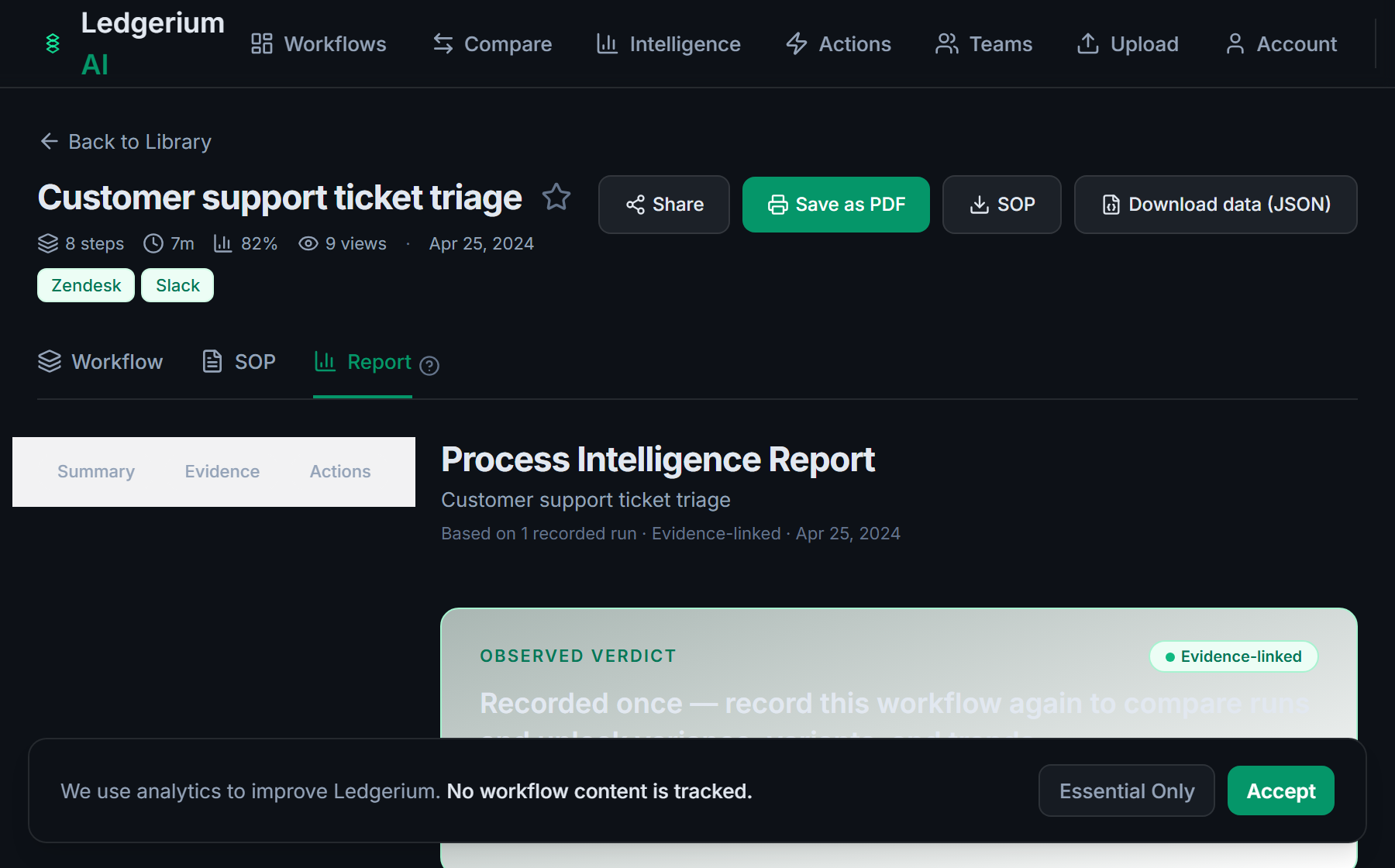
Metrics Ledgerium can reveal
- Days sales outstanding: Invoice issued to cash applied, split by stage.
- Collections wait time: How long an invoice sits in collections before payment.
- Cash-application accuracy: Share of payments matched to the right invoice first time.
Common mistakes
- Treating the order-to-cash cycle as done at the shipment and leaving collections undocumented
- Leaving the collections and cash-application steps as tribal knowledge
- Not capturing how long invoices sit in collections before cash is applied
AI and automation opportunities
- Match incoming remittances to open invoices for cash application
- Draft collections reminders from the aged-receivables status for review
- Detect invoices trending past terms and prioritize collections early
How Ledgerium captures this
Ledgerium captures an order-to-cash workflow by recording the full revenue cycle from customer order through fulfillment, invoicing, and collections follow-up to cash application, so the report shows where cash is held between the invoice and the payment landing.
1. Install the extension
Add the Ledgerium recorder to Chrome. No screenshots and no keystrokes are ever captured.
2. Record the real workflow
Perform the process once. Ledgerium captures the structured steps, timing, and system context.
3. Get the output
Receive an SOP, a process map, and a workflow intelligence report generated from the real work.
Worth knowing
Collections calls made by phone outside the browser are not captured. Ledgerium records the browser-based order, invoice, and cash-application steps; the call outcomes need a note.
Frequently asked questions
- Typically: capture the customer order, fulfill and ship, invoice the customer, follow up in collections, then apply the cash. The collections and cash-application steps are the parts most guides leave out.
- Sales order processing ends at the fulfillment handoff. Order-to-cash continues through invoicing, collections, and cash application, so it covers the finance back half that actually brings the cash in.
- Mostly on the back half, in collections after the invoice goes out. Capturing per-step timing shows how long an invoice waits before cash is applied rather than only how fast the order shipped.
- Yes. A single recording captures the browser-based steps across the order system, the billing system, the collections tool, and the payment portal, so the SOP reflects the full revenue cycle.
- Common candidates are matching remittances to open invoices, drafting collections reminders, and prioritizing invoices trending past terms. Ledgerium scores these from the recorded process.
Not ready to sign up? Try the live demo — no login required.
Capture this workflow once
Record the real process and turn it into an SOP, a process map, and an AI-readiness report, generated from how the work actually happens.
Free plan includes 5 documented workflows per month. No screenshots ever captured.
Or Install the extension first.