How to document a sales order processing workflow
By Phil KlingUpdated June 2026How we research this
To document a sales order processing workflow, record an order being processed from entry to fulfillment handoff, then generate a step-by-step SOP and a process map from it. Order processing spans entry, validation, and a credit check across several systems, so a written-from-memory guide usually misses a check or a handoff. Ledgerium records the real order in the browser, captures the validation and the credit check, and generates the SOP, the process map, and a report that shows where orders wait before they reach fulfillment.
Key takeaways
- Sales order processing spans entry, validation, and a credit check across several systems, so a memory-based guide misses a check or a handoff.
- Orders get held at the credit check and validation, not at order entry itself.
- Skipping the validation and credit check in the documentation lets new reps confirm orders that later get held.
- Ledgerium measures credit-check wait and hold rate and flags orders stalled beyond the target before fulfillment.
Who uses this workflow
Order management and sales operations staff, the credit or finance reviewer, and the sales ops lead who owns order turnaround. Fulfillment reviews it at the order-to-fulfillment handoff.
Systems involved: CRM, ERP or order management system, Credit or finance system, Email.
The old way
The order steps and the credit rules are written from memory and skip the validation and the credit check, so new reps confirm orders that later get held, and fulfillment receives orders that are not really ready.
With Ledgerium
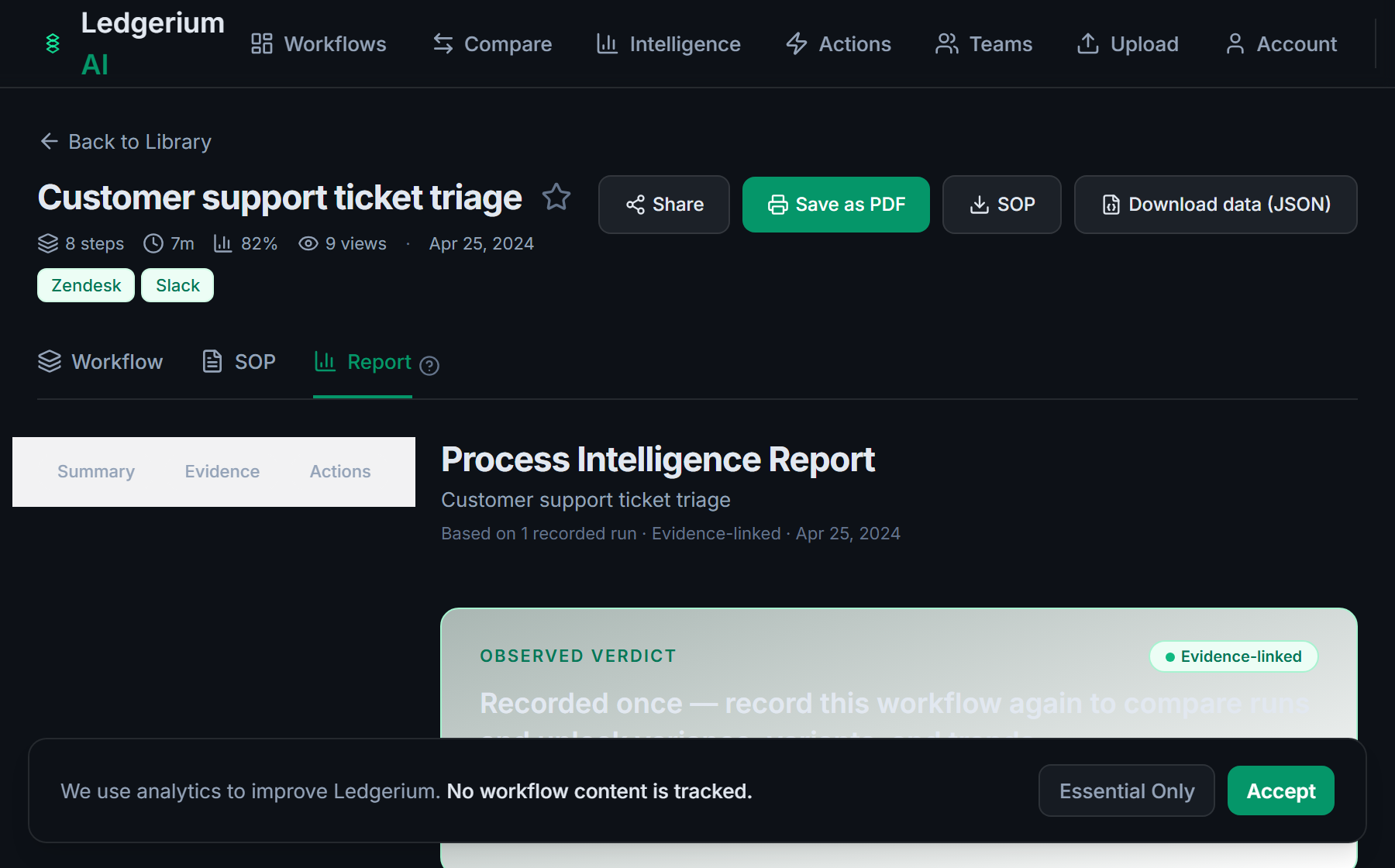
Record one real order. Ledgerium captures the entry, the validation, the credit check, the confirmation, and the fulfillment handoff, and generates the SOP, the process map, and a report that highlights where orders wait.
Sample workflow steps
- 1
Enter the order
Capture the order with customer, items, quantities, pricing, and terms.
- 2
Validate the order
Check pricing, availability, and required fields before the order can proceed.
- 3
Run the credit check
Confirm the customer is within credit terms and limits.
- 4
Confirm the order
Confirm the validated order with the customer and commit it.
- 5
Hand off to fulfillment
Release the confirmed order to fulfillment or the warehouse.
What Ledgerium generates from this
Metrics Ledgerium can reveal
- Cycle time per order: Order entry to fulfillment handoff, split into work and wait time.
- Credit-check wait: How long an order waits at the credit check before confirmation.
- Hold rate: Share of orders held at validation or the credit check.
Common mistakes
- Documenting order entry but skipping the validation and credit-check steps
- Leaving the credit rules undocumented, so orders proceed that should be held
- Not capturing where orders wait between validation and the credit check
AI and automation opportunities
- Validate pricing and availability on entry and flag only the exceptions
- Auto-run the credit check and surface only orders that breach terms
- Detect orders stalled beyond target time before fulfillment and escalate them
How Ledgerium captures this
Ledgerium captures a sales order processing workflow by recording an order from entry through validation and the credit check to the fulfillment handoff, so the report shows how long an order waits at the credit check before it reaches fulfillment.
1. Install the extension
Add the Ledgerium recorder to Chrome. No screenshots and no keystrokes are ever captured.
2. Record the real workflow
Perform the process once. Ledgerium captures the structured steps, timing, and system context.
3. Get the output
Receive an SOP, a process map, and a workflow intelligence report generated from the real work.
Worth knowing
Orders taken by phone or confirmed by email outside the browser are not captured directly. Ledgerium records the browser-based entry, validation, and confirmation steps; offline order details need a note.
Frequently asked questions
- Typically: enter the order, validate it, run the credit check, confirm the order, then hand off to fulfillment. The validation and credit check are the steps most guides leave out.
- Record one real order from entry to fulfillment handoff, then generate the SOP and process map from it. This captures the validation and credit rules that written-from-memory guides usually miss.
- Most often at the credit check and at validation, where a limit or a required field stops the order. Capturing per-step timing shows how long orders wait and at which check.
- Yes. A single recording captures the steps across each browser-based system in the order, the CRM, the order management system, and the credit system, in one pass.
- Common candidates are validating pricing and availability on entry, auto-running the credit check, and escalating stalled orders. Ledgerium scores these from the recorded process.
Related to this
Not ready to sign up? Try the live demo — no login required.
Capture this workflow once
Record the real process and turn it into an SOP, a process map, and an AI opportunity report, generated from how the work actually happens.
Free plan includes 5 documented workflows per month. No screenshots ever captured.
Or Install the extension first.