How to document a refund processing workflow
By Phil KlingUpdated June 2026How we research this
To document a refund processing workflow, record an agent handling a real refund from request to issued payment, then generate a step-by-step SOP and a process map from it. Refunds carry money out the door, so the verification and approval checks matter, yet they are rarely written down clearly. Ledgerium records the real refund in the browser, captures the eligibility check and approval routing, and generates the SOP, the process map, and a report that shows where refunds wait and get returned.
Key takeaways
- Refund processing moves money out the door, so the eligibility and approval checks matter even when they are rarely written down.
- Most refund delay is the approval wait and the eligibility check, not the act of issuing the payment.
- Refund rules held in tribal knowledge mean each agent verifies differently and some checks get skipped under pressure.
- Ledgerium measures approval wait time and return rate and flags refunds stalled beyond the target approval time.
Who uses this workflow
Support agents and finance clerks who issue refunds, the team lead who owns refund turnaround, and the finance approver who owns the control. Auditors review it when testing cash-out controls.
Systems involved: Support or order system, Payment or billing system, Accounting system, Email.
The old way
The refund rules and approval thresholds live in tribal knowledge, so each agent verifies a little differently. Some checks get skipped under pressure, which is exactly how a refund goes out on an ineligible order.
With Ledgerium
Record one real refund. Ledgerium captures the request, the eligibility check, the approval routing, and the issued payment, and generates the SOP, the process map, and a report that highlights where refunds wait and get returned.
Sample workflow steps
- 1
Receive the refund request
The request arrives with the order, the customer, and the reason for the refund.
- 2
Verify eligibility
Check the order, payment, and policy to confirm the refund is allowed.
- 3
Route for approval
Send to the right approver based on amount and reason thresholds.
- 4
Issue the refund
Process the refund to the original payment method once approved.
- 5
Log and confirm
Record the outcome, notify the customer, and close the request with the right reason code.
What Ledgerium generates from this
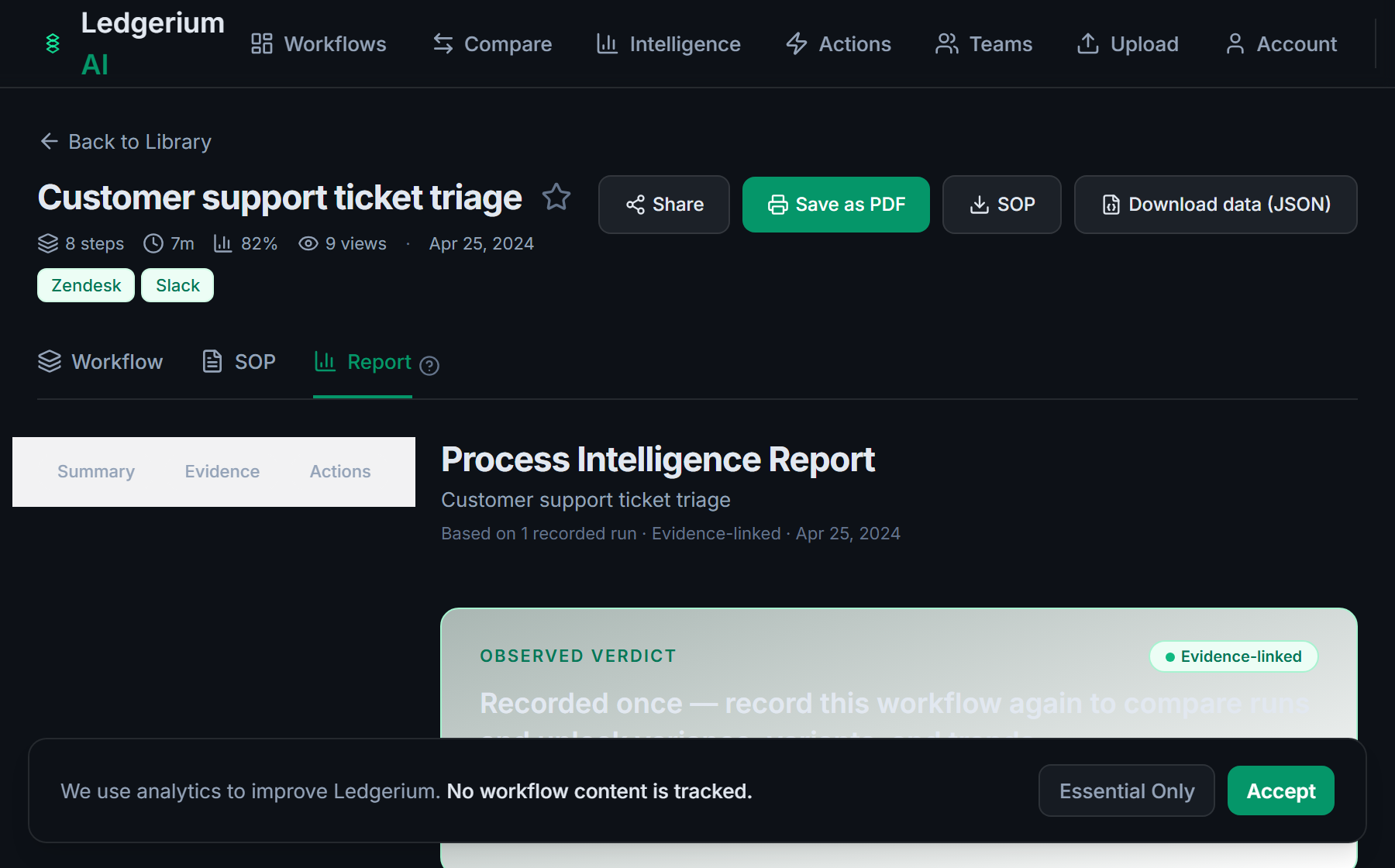
Metrics Ledgerium can reveal
- Time to refund: Request received to issued payment, split into work and wait time.
- Approval wait time: How long a refund waits between routing and approval.
- Return rate: Share of refund requests returned for correction before approval.
Common mistakes
- Leaving the eligibility and approval thresholds undocumented, so checks vary by agent
- Documenting the issue step but skipping the verification and logging steps
- Not capturing how long refunds wait for approval before the payment goes out
AI and automation opportunities
- Pre-check refund eligibility against order and policy before it routes for approval
- Suggest the correct approver from amount and reason rules
- Detect refunds stalled beyond target approval time and escalate them
How Ledgerium captures this
Ledgerium captures a refund processing workflow by recording an agent from the refund request through the eligibility check and approval routing to the issued payment, so the report shows how long a refund waits for approval before money leaves.
1. Install the extension
Add the Ledgerium recorder to Chrome. No screenshots and no keystrokes are ever captured.
2. Record the real workflow
Perform the process once. Ledgerium captures the structured steps, timing, and system context.
3. Get the output
Receive an SOP, a process map, and a workflow intelligence report generated from the real work.
Worth knowing
Refund decisions agreed by phone or in a chat outside the browser are not captured. Ledgerium records the browser-based refund steps; offline rationale needs a note.
Frequently asked questions
- Typically: receive the refund request, verify eligibility, route for approval, issue the refund, then log and confirm it. The eligibility check and approval thresholds are the parts most guides leave vague.
- Record one real refund as an agent works it, then generate the SOP and process map from it. This captures the eligibility checks and approval routing that tribal knowledge usually hides.
- Most often in approval wait and at the eligibility check, where policy or evidence holds the refund. Capturing per-step timing shows how long refunds wait and at which step.
- Yes. A single recording captures the steps across each browser-based system in the refund, the support or order system, the payment system, and the accounting system, in one pass.
- Common candidates are pre-checking eligibility, suggesting the right approver, and escalating stalled refunds. Ledgerium scores these from the recorded process.
Related to this
Not ready to sign up? Try the live demo — no login required.
Capture this workflow once
Record the real process and turn it into an SOP, a process map, and an AI opportunity report, generated from how the work actually happens.
Free plan includes 5 documented workflows per month. No screenshots ever captured.
Or Install the extension first.