How to document a returns processing workflow
By Phil KlingUpdated June 2026How we research this
To document a returns processing workflow, record a real product return from request to refund or replacement, then generate a step-by-step SOP and a process map from it. Returns span a request, an authorization, the physical receipt, and a refund or replacement, so a written-from-memory guide usually misses the authorization rules or the inspection step. Ledgerium records the real return in the browser, captures the authorization and the resolution routing, and generates the SOP, the process map, and a report that shows where returns wait.
Key takeaways
- Returns processing spans a request, an authorization, the physical receipt, and a refund or replacement across several systems.
- Return delay sits in the authorization and the wait for the item to arrive and be inspected, not in issuing the refund.
- Authorization rules held in tribal knowledge mean some returns get approved that should not be, while customers wait.
- Ledgerium measures authorization wait and denial rate and matches received items to their return authorization for review.
Who uses this workflow
Returns and operations staff who process RMAs, the warehouse team that receives and inspects, and the ops lead who owns return turnaround. Finance reviews it where refunds are involved.
Systems involved: Order or returns system, Warehouse or inventory system, Payment or billing system, Email.
The old way
The return rules and the authorization thresholds live in tribal knowledge, so each agent decides a little differently. Some returns get authorized that should not be, and customers wait while the item sits unreceived.
With Ledgerium
Record one real return. Ledgerium captures the request, the authorization, the receipt, and the refund or replacement, and generates the SOP, the process map, and a report that highlights where returns wait.
Sample workflow steps
- 1
Receive the return request
The request arrives with the order, the item, and the reason for the return.
- 2
Authorize the return
Check the return against policy and issue or deny the authorization.
- 3
Receive the item
Record receipt of the returned item and the inspection outcome.
- 4
Resolve with refund or replacement
Issue a refund or ship a replacement based on the authorized resolution.
- 5
Log and close
Record the outcome and close the return with the right reason code.
What Ledgerium generates from this
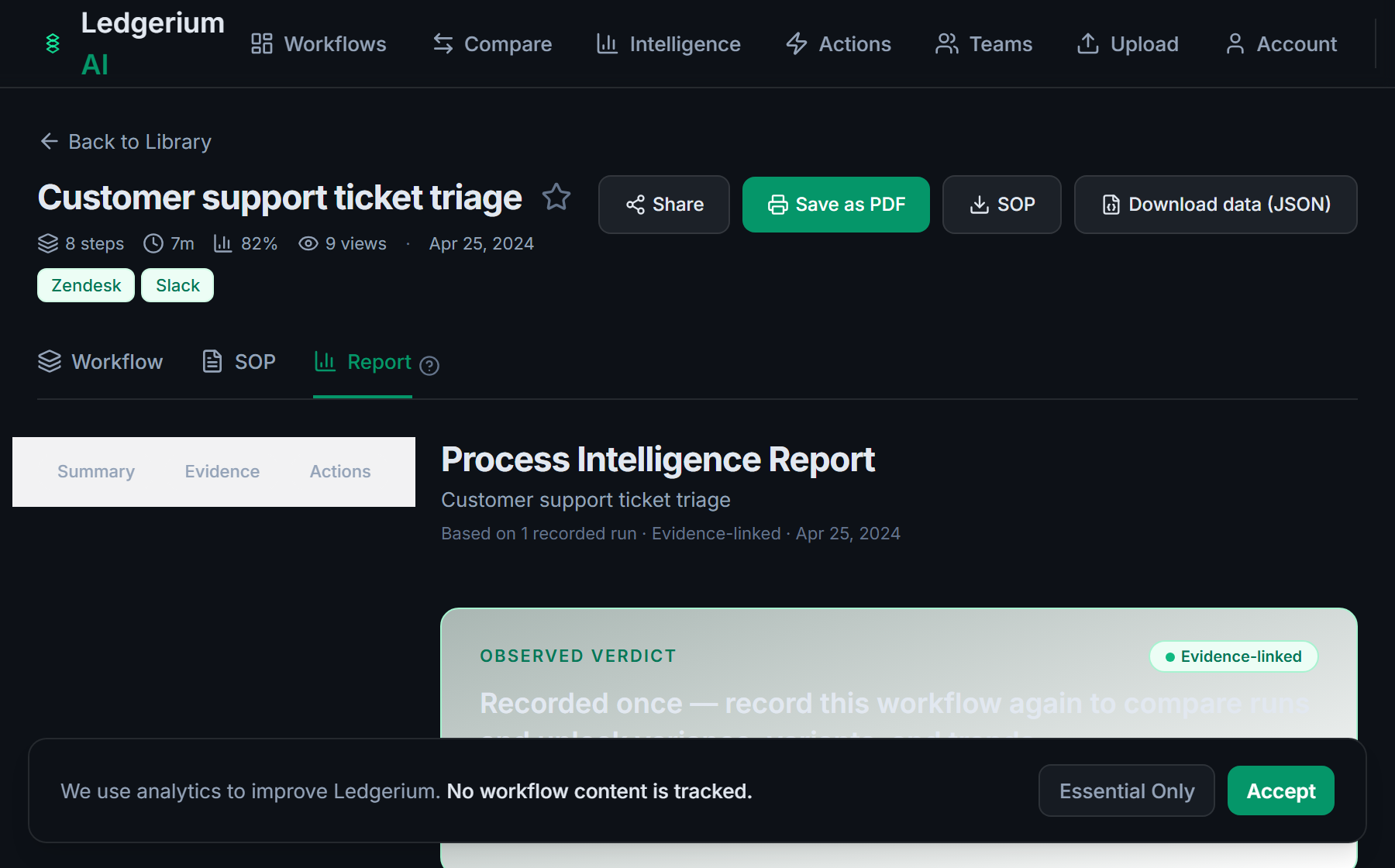
Metrics Ledgerium can reveal
- Time to resolve: Request received to refund or replacement, split into work and wait time.
- Authorization wait: How long a return waits between request and authorization.
- Denial rate: Share of return requests denied at authorization.
Common mistakes
- Leaving the authorization rules undocumented, so returns get approved inconsistently
- Documenting the refund but skipping the authorization and receipt steps
- Not capturing how long returns wait for authorization and for the item to arrive
AI and automation opportunities
- Pre-check the return against policy before it routes for authorization
- Auto-match the received item to its return authorization for review
- Detect returns stalled beyond target authorization time and escalate them
How Ledgerium captures this
Ledgerium captures a returns processing workflow by recording a return from request through authorization and the physical receipt to a refund or replacement, so the report shows how long a return waits for authorization and for the item to arrive.
1. Install the extension
Add the Ledgerium recorder to Chrome. No screenshots and no keystrokes are ever captured.
2. Record the real workflow
Perform the process once. Ledgerium captures the structured steps, timing, and system context.
3. Get the output
Receive an SOP, a process map, and a workflow intelligence report generated from the real work.
Worth knowing
The physical inspection of a returned item happens off-screen and is not captured. Ledgerium records the browser-based request, authorization, and resolution steps; the inspection result needs a note.
Frequently asked questions
- Typically: receive the return request, authorize it, receive the item, resolve with a refund or replacement, then log and close it. The authorization rules and the receipt step are the parts most guides leave vague.
- Record one real return from request to resolution, then generate the SOP and process map from it. This captures the authorization rules and the routing that tribal knowledge usually hides.
- Most often at authorization and while waiting for the item to arrive and be inspected. Capturing per-step timing shows how long returns wait and at which step.
- Yes. A single recording captures the steps across each browser-based system in the return, the returns system, the warehouse system, and billing, in one pass.
- Common candidates are pre-checking returns against policy, matching received items to authorizations, and escalating stalled returns. Ledgerium scores these from the recorded process.
Related to this
Not ready to sign up? Try the live demo — no login required.
Capture this workflow once
Record the real process and turn it into an SOP, a process map, and an AI opportunity report, generated from how the work actually happens.
Free plan includes 5 documented workflows per month. No screenshots ever captured.
Or Install the extension first.