How to document a customer onboarding workflow
By Phil KlingUpdated June 2026How we research this
To document a customer onboarding workflow, record the real onboarding from signed deal to activated account, then generate a step-by-step SOP and a process map from it and review it with the team that runs it. Onboarding usually spans several systems and several people, which is exactly why it drifts from any document written from memory. Ledgerium records the actual onboarding in the browser, captures the handoffs and waiting points, and generates the SOP, the process map, and a report showing where new customers stall.
Key takeaways
- Customer onboarding spans sales, success, and billing, which is why a checklist written once quickly stops matching the real sequence.
- Onboarding delay concentrates in the handoffs between teams rather than inside any single provisioning or configuration task.
- Recording one onboarding captures the cross-team handoffs and waiting points that a memory-based checklist leaves out.
- Ledgerium measures time to value by stage and flags onboardings that exceed the target so they can be routed for help.
Who uses this workflow
Customer success and onboarding specialists, implementation managers, and the ops lead who owns time-to-value. Sales reviews it at the deal-to-onboarding handoff.
Systems involved: CRM, Product or admin console, Email, Billing system.
The old way
An onboarding checklist is written once and never matches the real sequence, because onboarding changes constantly and spans teams. New hires follow the parts they remember and improvise the rest.
With Ledgerium
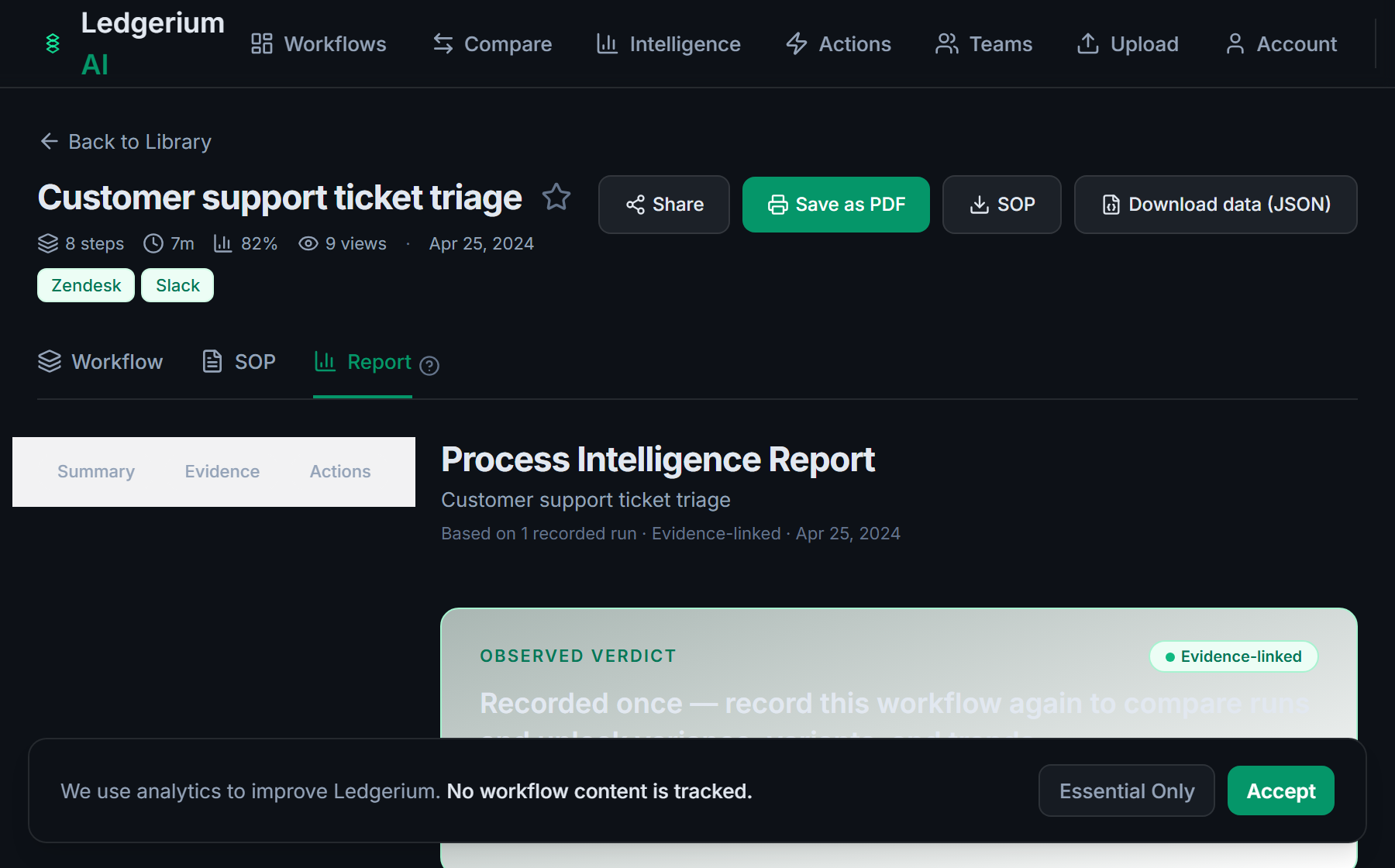
Record one real onboarding. Ledgerium captures the cross-team handoffs and system steps and generates the SOP, the process map, and a report that highlights where customers wait between stages.
Sample workflow steps
- 1
Receive the signed deal
Onboarding is triggered from the closed opportunity in the CRM.
- 2
Provision the account
Create the customer account and set up access in the product console.
- 3
Configure and set up billing
Apply the right configuration and connect billing to the plan.
- 4
Run the kickoff and handoff
Hand the customer from sales to success and confirm the first goal.
- 5
Confirm activation
Verify the customer reached first value and close the onboarding.
What Ledgerium generates from this
Metrics Ledgerium can reveal
- Time to value: Signed deal to first confirmed value, split by stage.
- Handoff wait time: How long a customer waits between teams at each handoff.
- Step variance: How much the onboarding sequence varies between specialists.
Common mistakes
- Treating onboarding as one team’s task when it spans sales, success, and billing
- Not capturing the handoff points where new customers wait the longest
- Letting the checklist describe an ideal flow that no one actually follows
AI and automation opportunities
- Auto-create the account and apply configuration from the closed deal
- Draft the kickoff summary from the recorded onboarding for review
- Flag onboardings that exceed the target time-to-value and route them for help
How Ledgerium captures this
Ledgerium captures a customer onboarding workflow by recording the real path from signed deal through account provisioning, billing setup, and kickoff handoff, so the process map shows how long a new customer waits at each cross-team handoff.
1. Install the extension
Add the Ledgerium recorder to Chrome. No screenshots and no keystrokes are ever captured.
2. Record the real workflow
Perform the process once. Ledgerium captures the structured steps, timing, and system context.
3. Get the output
Receive an SOP, a process map, and a workflow intelligence report generated from the real work.
Worth knowing
Steps done in native desktop tools or over a call are not captured. Ledgerium records the browser-based onboarding steps; offline context needs a human note.
Frequently asked questions
- Usually: receive the signed deal, provision the account, configure and set up billing, run the kickoff and handoff, and confirm activation. The exact steps depend on your product and team structure.
- Start by making the real process visible. Record an onboarding, then look at the handoff wait times in the report. Most onboarding delay is waiting between teams, not the active work, so the fastest wins are at the handoffs.
- Onboarding changes often and spans several teams, so a checklist written once quickly diverges. Recording the real onboarding keeps the documentation tied to how the work is actually done.
- Yes. A single recording captures the steps across each browser-based system in the onboarding, so the SOP and process map reflect the full cross-system flow.
- Common candidates are auto-provisioning the account from the closed deal, drafting the kickoff summary, and flagging slow onboardings. Ledgerium scores these from the recorded process.
Related to this
Not ready to sign up? Try the live demo — no login required.
Capture this workflow once
Record the real process and turn it into an SOP, a process map, and an AI opportunity report, generated from how the work actually happens.
Free plan includes 5 documented workflows per month. No screenshots ever captured.
Or Install the extension first.