How to document an employee onboarding workflow
By Phil KlingUpdated June 2026How we research this
To document an employee onboarding workflow, record the real setup of a new hire from offer acceptance to a productive first week, then generate a step-by-step SOP and a process map from it. Onboarding spans HR, IT, and the hiring manager, so a written-from-memory checklist usually misses a system or a handoff. Ledgerium records the real onboarding in the browser, captures the account provisioning, access grants, and equipment steps, and generates the SOP, the process map, and a report that shows where new hires wait before they can work.
Key takeaways
- Employee onboarding spans HR, IT, and the hiring manager, so a single-team checklist usually forgets a system or an access grant.
- Most onboarding delay is the handoff wait where HR has finished a step and IT has not yet started.
- An undocumented access matrix means every new hire ends up with a different set of tools.
- Ledgerium measures time to productive and access completeness and flags onboardings missing a required grant before the start date.
Who uses this workflow
HR coordinators, IT provisioning staff, and the hiring manager who owns the first week. People operations leads use it to standardize onboarding across departments.
Systems involved: HRIS or HR system, Identity and access management, IT ticketing or device management, Email.
The old way
Each team keeps its own partial checklist and assumes the others have theirs. A system gets forgotten, an access grant is missed, and the new hire spends day one waiting for a login that nobody owned.
With Ledgerium
Record one real onboarding. Ledgerium captures the HR, IT, and manager steps in order across each system and generates the SOP, the process map, and a report that highlights the handoffs where new hires wait.
Sample workflow steps
- 1
Create the employee record
HR enters the new hire into the HR system with role, start date, and department.
- 2
Provision accounts and identity
IT creates the directory account and core logins, and assigns the right access groups.
- 3
Grant application access
Add the new hire to the tools their role needs, based on the access matrix.
- 4
Prepare equipment and workspace
Assign and configure the laptop and any role-specific tools or licenses.
- 5
Run the first-week handoff
The manager confirms access works, shares the first tasks, and closes the onboarding.
What Ledgerium generates from this
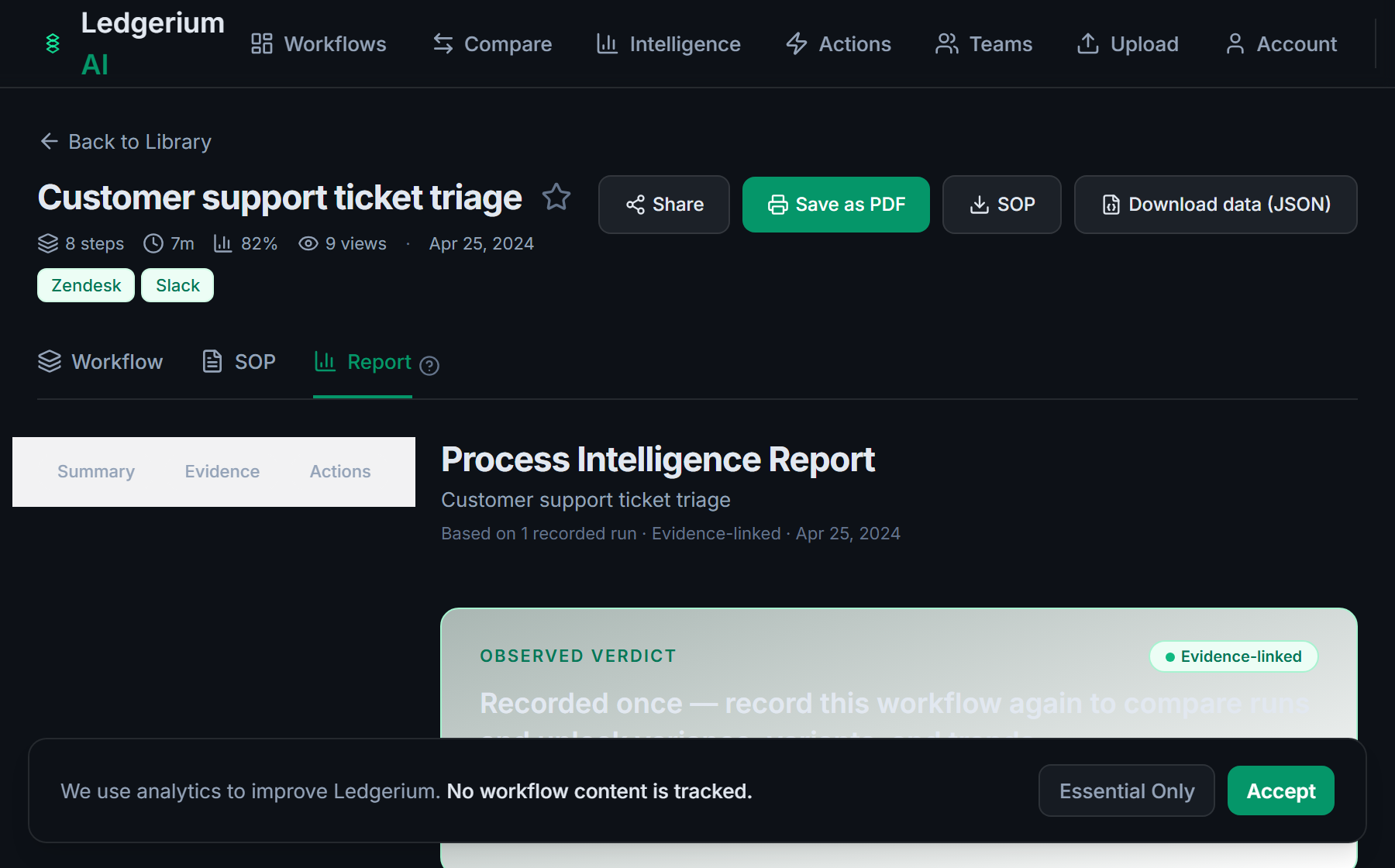
Metrics Ledgerium can reveal
- Time to productive: Start date to working access confirmed, split by HR, IT, and manager steps.
- Handoff wait time: How long a new hire waits between HR finishing and IT starting.
- Access completeness: Share of new hires who have full role access on day one.
Common mistakes
- Treating onboarding as HR alone when IT and the manager own half the steps
- Leaving the access matrix undocumented, so each new hire gets a different set of tools
- Not capturing the handoff wait between HR provisioning and IT setup
AI and automation opportunities
- Auto-provision the standard access set from the role in the HR record
- Generate the IT setup tickets from the new hire record for review
- Flag onboardings missing a required access grant before the start date
How Ledgerium captures this
Ledgerium captures an employee onboarding workflow by recording the real setup across HR, IT, and the hiring manager from offer acceptance through account provisioning and access grants, so the report shows where a new hire waits between HR provisioning and IT access.
1. Install the extension
Add the Ledgerium recorder to Chrome. No screenshots and no keystrokes are ever captured.
2. Record the real workflow
Perform the process once. Ledgerium captures the structured steps, timing, and system context.
3. Get the output
Receive an SOP, a process map, and a workflow intelligence report generated from the real work.
Worth knowing
Equipment shipping, badge printing, and any setup done in person are not captured. Ledgerium records the browser-based onboarding steps; physical and offline tasks need a linked note.
Frequently asked questions
- Typically: create the employee record, provision accounts and identity, grant application access, prepare equipment, then run the first-week handoff. The exact systems depend on your HR and IT stack.
- Record one real onboarding as each team performs its steps, then generate the SOP and process map from the recording. A single pass captures the HR, IT, and manager steps and the handoffs between them.
- Usually because an IT access step started late or a system was forgotten. Capturing per-step timing shows where the handoff wait lives, so the right team can close it.
- Yes. A single recording captures the steps across each browser-based system in the onboarding, the HR system, identity tools, and ticketing, so the SOP reflects the full cross-team flow.
- Common candidates are auto-provisioning the standard access set, generating IT setup tickets from the role, and flagging missing access before the start date. Ledgerium scores these from the recorded process.
Related to this
Not ready to sign up? Try the live demo — no login required.
Capture this workflow once
Record the real process and turn it into an SOP, a process map, and an AI opportunity report, generated from how the work actually happens.
Free plan includes 5 documented workflows per month. No screenshots ever captured.
Or Install the extension first.