How to document a month-end close workflow
By Phil KlingUpdated June 2026How we research this
To document a month-end close, record the real close as the accountant runs it, from reconciliations to locking the period, then generate a step-by-step SOP and a process map from the recording. The close is a long checklist spread across the accounting system, spreadsheets, and bank portals, which is why a written-from-memory version always misses steps. Ledgerium records the actual close in the browser, captures the order and the handoffs, and generates the SOP, the process map, and a report that shows which close tasks take the longest.
Key takeaways
- The month-end close is a long, ordered checklist spread across the accounting system, spreadsheets, and bank portals.
- Close delay comes from serial dependencies where one task cannot start until another finishes, not from the busiest-feeling task.
- Close checklists that live only in memory slip the moment their owner is out, because the exact order and sign-offs go undocumented.
- Ledgerium records the reconciliations and review steps in sequence and surfaces which close tasks consistently run late.
Who uses this workflow
Staff and senior accountants, the controller who owns the close calendar, and the CFO who signs off. Auditors review it when testing the close process.
Systems involved: Accounting system or ERP, Spreadsheets, Bank and payment portals.
The old way
The close checklist lives in one person’s head or a stale spreadsheet. When that person is out, the close slips, because nobody else knows the exact order, the reconciliations, and the sign-offs.
With Ledgerium
Record one real close. Ledgerium captures the reconciliations, journal entries, and review steps in order, and generates the SOP, the process map, and a report that highlights the slowest close tasks.
Sample workflow steps
- 1
Reconcile accounts
Reconcile bank, cash, and key balance-sheet accounts against statements.
- 2
Post journal entries
Record accruals, prepaids, and adjusting entries for the period.
- 3
Review variances
Compare actuals to budget and prior period and investigate variances.
- 4
Run and review reports
Generate the financial statements and review them for errors.
- 5
Lock the period
Sign off and lock the period so no further changes are posted.
What Ledgerium generates from this
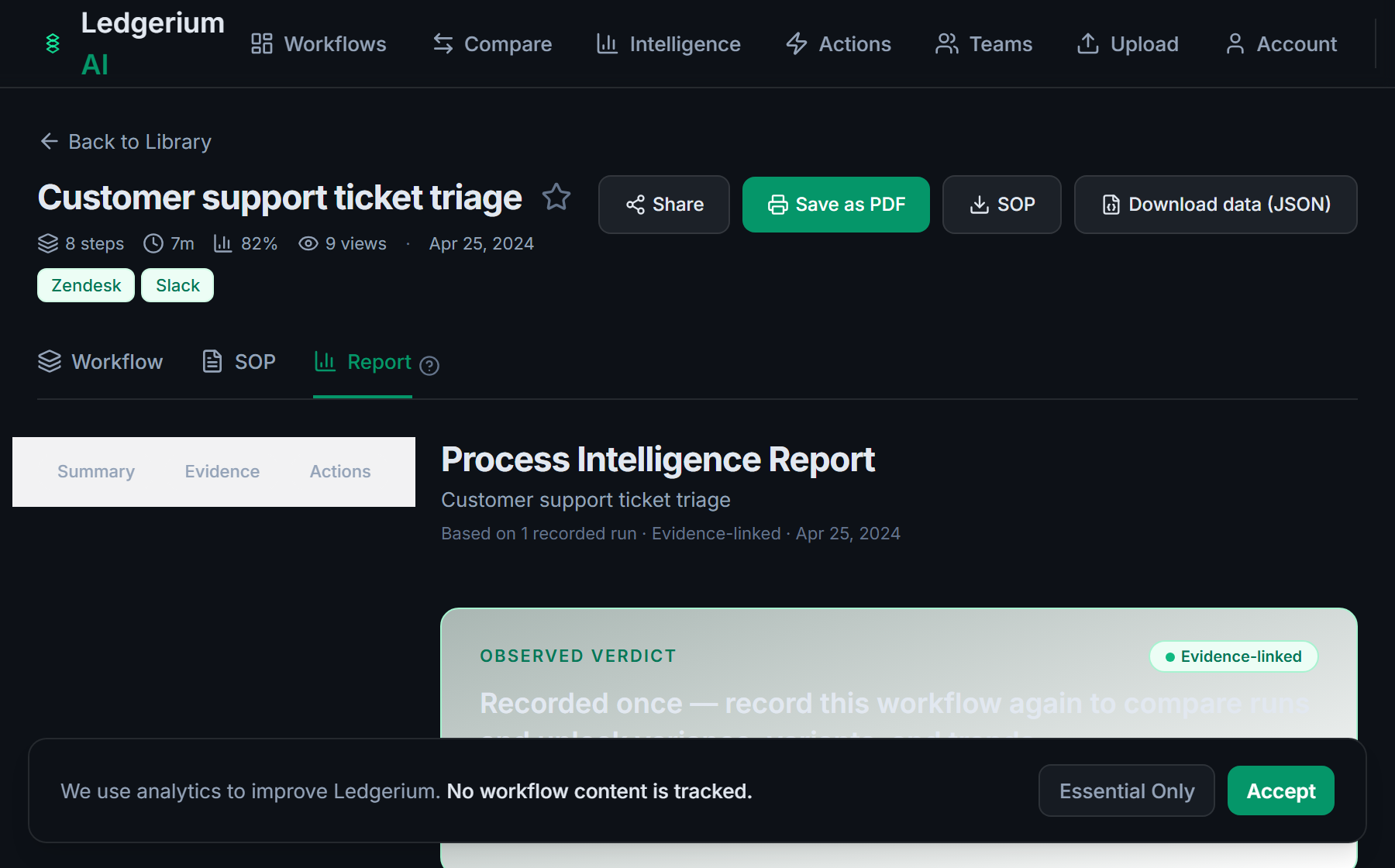
Metrics Ledgerium can reveal
- Days to close: Period end to locked period, broken down by task.
- Task wait time: How long each close task waits on an upstream dependency.
- Rework rate: Share of entries corrected after first posting.
Common mistakes
- Documenting the close as one task instead of an ordered, dependency-driven checklist
- Leaving the reconciliation sources and sign-off owners undocumented
- Not capturing which close tasks consistently run late
AI and automation opportunities
- Auto-reconcile high-volume accounts and flag only the exceptions
- Draft recurring journal entries from prior-period patterns for review
- Detect close tasks trending late and alert the controller early
How Ledgerium captures this
Ledgerium captures a month-end close workflow by recording the real close in order from reconciliations through journal entries to locking the period, so the report shows which serial dependency is the bottleneck holding up the close.
1. Install the extension
Add the Ledgerium recorder to Chrome. No screenshots and no keystrokes are ever captured.
2. Record the real workflow
Perform the process once. Ledgerium captures the structured steps, timing, and system context.
3. Get the output
Receive an SOP, a process map, and a workflow intelligence report generated from the real work.
Worth knowing
Steps performed in desktop spreadsheets outside the browser are not captured directly. Ledgerium records the browser-based close steps; offline spreadsheet work needs a linked note.
Frequently asked questions
- Typically: reconcile accounts, post journal entries, review variances, run and review the financial reports, then lock the period. The exact checklist depends on your business and accounting system.
- Record one real close as the accountant runs it, then generate the SOP and process map from the recording. This captures the order, the reconciliations, and the sign-offs that a memory-based checklist usually misses.
- Mostly because of serial dependencies, where one task waits on another. Capturing per-step timing shows which dependency is the real bottleneck rather than which task simply feels busy.
- Yes. A single recording captures the steps across each browser-based system in the close, the accounting system, bank portals, and reporting, so the SOP reflects the full process.
- Common candidates are auto-reconciling high-volume accounts, drafting recurring journal entries, and alerting on tasks trending late. Ledgerium scores these from the recorded close.
Related to this
Not ready to sign up? Try the live demo — no login required.
Capture this workflow once
Record the real process and turn it into an SOP, a process map, and an AI opportunity report, generated from how the work actually happens.
Free plan includes 5 documented workflows per month. No screenshots ever captured.
Or Install the extension first.