How to document a journal entry workflow
By Phil KlingUpdated June 2026How we research this
To document a journal entry workflow, record an accountant preparing and posting a real entry from first draft to posted ledger, then generate a step-by-step SOP and a process map from it. The control that matters is the support behind each entry, yet the backup and review rules are rarely written down. Ledgerium records the real entry in the browser, captures the supporting documents and the review routing, and generates the SOP, the process map, and a report that shows where entries wait for review.
Key takeaways
- The control in a journal entry is the link between the entry and its supporting evidence, which is where review stalls.
- Support requirements and review thresholds that live in one accountant memory make backup and sign-offs inconsistent.
- An entry posted without backup fails the audit trail, so recording whether support was attached before review matters.
- Ledgerium measures review wait time and return rate and checks that required supporting documents are attached before review.
Who uses this workflow
Staff and senior accountants who prepare entries, the reviewer who approves them, and the controller who owns the ledger. Auditors review it when testing how entries are supported and approved.
Systems involved: Accounting system or ERP, Spreadsheets, Document or evidence repository, Email.
The old way
The entry steps and the support requirements live in one accountant’s head, so backup documents and review sign-offs are inconsistent. When that person is out, entries get posted thin or wait, and the audit trail suffers.
With Ledgerium
Record one real journal entry. Ledgerium captures the preparation, the supporting documents, the review, and the posting in order, and generates the SOP, the process map, and a report that highlights where entries wait for review.
Sample workflow steps
- 1
Prepare the entry
Build the journal entry with accounts, amounts, and the period it belongs to.
- 2
Attach supporting documents
Gather and attach the backup that justifies each line of the entry.
- 3
Submit for review
Route the entry to the reviewer based on type and amount thresholds.
- 4
Review and approve
The reviewer checks the entry against its support and approves or returns it.
- 5
Post and file
Post the approved entry to the ledger and file the support for the audit trail.
What Ledgerium generates from this
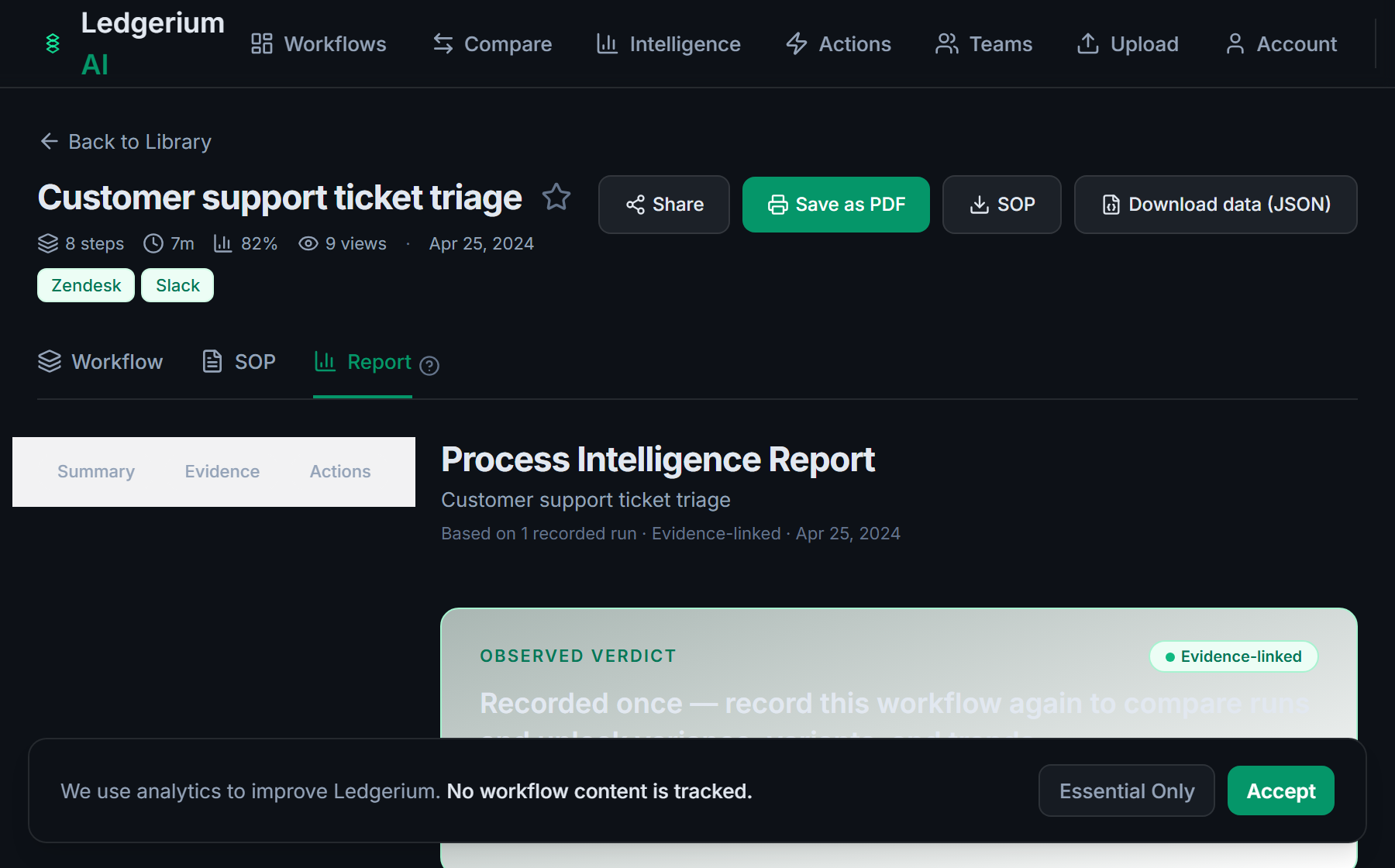
Metrics Ledgerium can reveal
- Time to post: Preparation to posted entry, split into work and review wait time.
- Review wait time: How long an entry waits between submission and review.
- Return rate: Share of entries returned for correction before posting.
Common mistakes
- Posting entries without the supporting documents the audit trail requires
- Leaving the review thresholds undocumented, so it is unclear what a reviewer must approve
- Not capturing how long entries wait between submission and review
AI and automation opportunities
- Draft recurring entries from prior-period patterns for accountant review
- Check that required supporting documents are attached before review
- Detect entries stalled beyond target review time and escalate them
How Ledgerium captures this
Ledgerium captures a journal entry workflow by recording an accountant from first draft through attaching supporting documents and review routing to the posted ledger, so the report shows whether the support was attached before review.
1. Install the extension
Add the Ledgerium recorder to Chrome. No screenshots and no keystrokes are ever captured.
2. Record the real workflow
Perform the process once. Ledgerium captures the structured steps, timing, and system context.
3. Get the output
Receive an SOP, a process map, and a workflow intelligence report generated from the real work.
Worth knowing
Entries prepared in desktop spreadsheets outside the browser are not captured directly. Ledgerium records the browser-based preparation, review, and posting steps; offline spreadsheet work needs a linked note.
Frequently asked questions
- Typically: prepare the entry, attach supporting documents, submit for review, review and approve, then post and file it. The support requirements and review thresholds are the parts most guides leave vague.
- Record one real entry from draft to posting, then generate the SOP and process map from it. This captures the support requirements and the review routing that usually live in one accountant’s head.
- Because an entry without backup fails the audit trail. Recording the real entry shows whether the support was attached before review, which is exactly what auditors test.
- Yes. A single recording captures the steps across each browser-based system in the entry, the accounting system, the evidence repository, and email, in one pass.
- Common candidates are drafting recurring entries, checking that required support is attached, and escalating stalled entries. Ledgerium scores these from the recorded process.
Related to this
Not ready to sign up? Try the live demo — no login required.
Capture this workflow once
Record the real process and turn it into an SOP, a process map, and an AI opportunity report, generated from how the work actually happens.
Free plan includes 5 documented workflows per month. No screenshots ever captured.
Or Install the extension first.